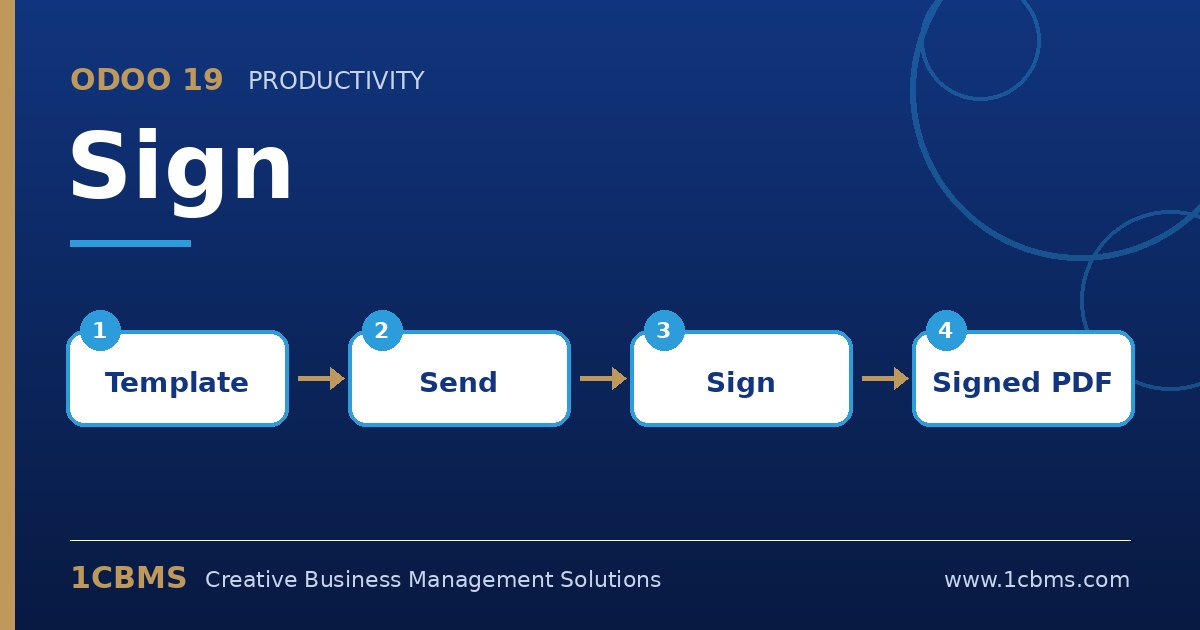
Sign supports sequential signing, so you can make the manager's request wait until the employee has completed their part.
- Open the contract template in Sign and make sure there are two roles, for example Employee and HR Manager, with each signature field assigned to the correct role.
- When sending, add both signers, choosing the employee for the Employee role and the manager for the HR Manager role.
- Enable the option to specify the signing order and put the employee first; the manager will only be invited after the employee signs.
- Optionally require SMS verification for the employee role in the template's role settings.
- Follow progress from the document's status in Sign, and resend or cancel if needed.
Once both have signed, each signer receives the final document together with the signing certificate, and you can store it in the employee's folder in Documents.