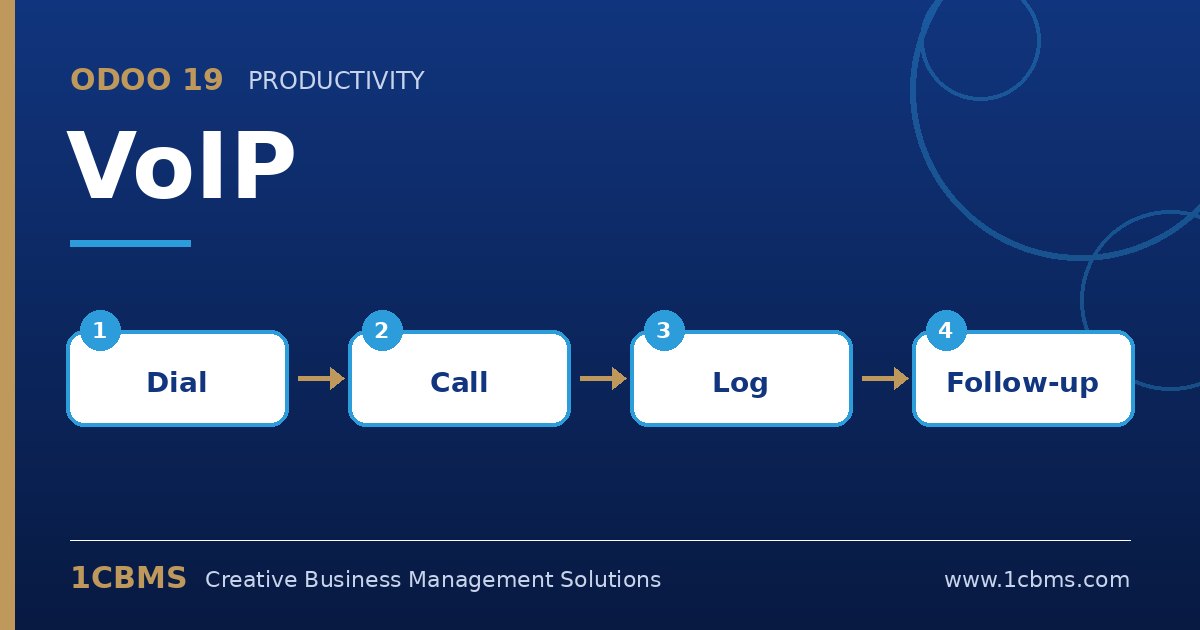
Yes, this is a common setup. Odoo VoIP uses WebRTC, so your Asterisk server must accept secure WebSocket connections from the browser.
- On the PBX, enable WebRTC support (secure WebSocket transport, a valid TLS certificate and appropriate codecs) and create one extension per agent.
- In Odoo, go to Settings, find the VoIP section, choose your provider entry and fill in the PBX server domain and WebSocket URL.
- For each agent, open their user preferences and enter the VoIP username (extension) and secret.
- Test outgoing and incoming calls with one agent, checking audio both ways and caller identification against contacts.
- Roll out to the team and use the softphone queue to plan call activities from CRM and Helpdesk.
Most failures come from the certificate or firewall rules on the WebSocket port, so ask IT to check those first if the softphone cannot register.