Skip to Content

Welcome!

Share and discuss the best content and new marketing ideas, build your professional profile and become a better marketer together.

Sign up

This question has been flagged
1 Reply
41 Views

Odoo 19 IoT system connecting a scale, receipt printer and payment terminal

We are opening a supermarket in Mansoura and want cashiers to weigh fruit, vegetables and nuts directly at the till so the price is calculated automatically in Odoo 19 POS.

We have Windows cash registers. Do we need an IoT Box, or can we use the Windows option, and what settings are needed in the POS?

Avatar
Discard
Author Best Answer

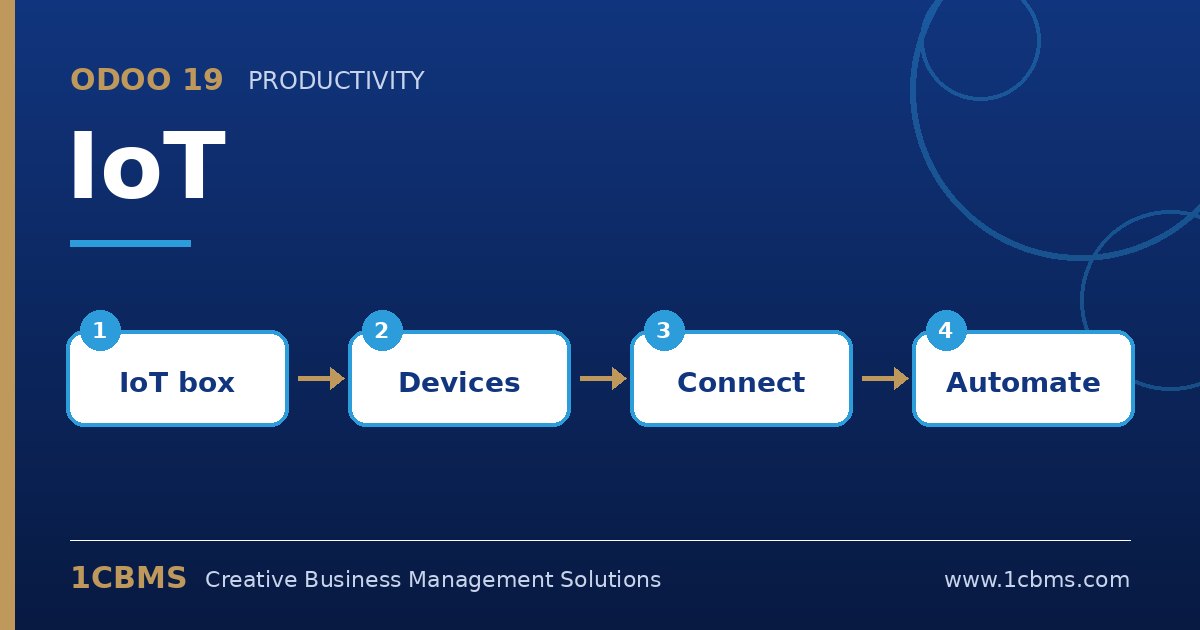
Scales require the IoT system in Odoo, but you can use either an IoT Box or the Windows virtual IoT on the cash register computer.

  • Install the IoT app, then install the Windows virtual IoT on the register PC (or connect an IoT Box) and link it to your database from the IoT app.
  • Plug in the scale; check it appears under the IoT system's devices. Use a model listed as compatible in the documentation.
  • In Point of Sale > Configuration > Settings for that POS, enable the IoT Box option and select the electronic scale device.
  • On products sold by weight, set the unit of measure to kg and enable To Weigh With Scale.
  • Open a POS session, select a weighed product and confirm the weight and price come from the scale.

If you also print barcode labels for pre-packed items, configure weight-embedded barcode rules in the barcode nomenclature.

Avatar
Discard
Related Posts Replies Views Activity
1
Oct 26
52
1
Oct 26
44
1
Oct 26
44
1
Oct 26
43
1
Oct 26
36