Skip to Content

Welcome!

Share and discuss the best content and new marketing ideas, build your professional profile and become a better marketer together.

Sign up

This question has been flagged
1 Reply
66 Views

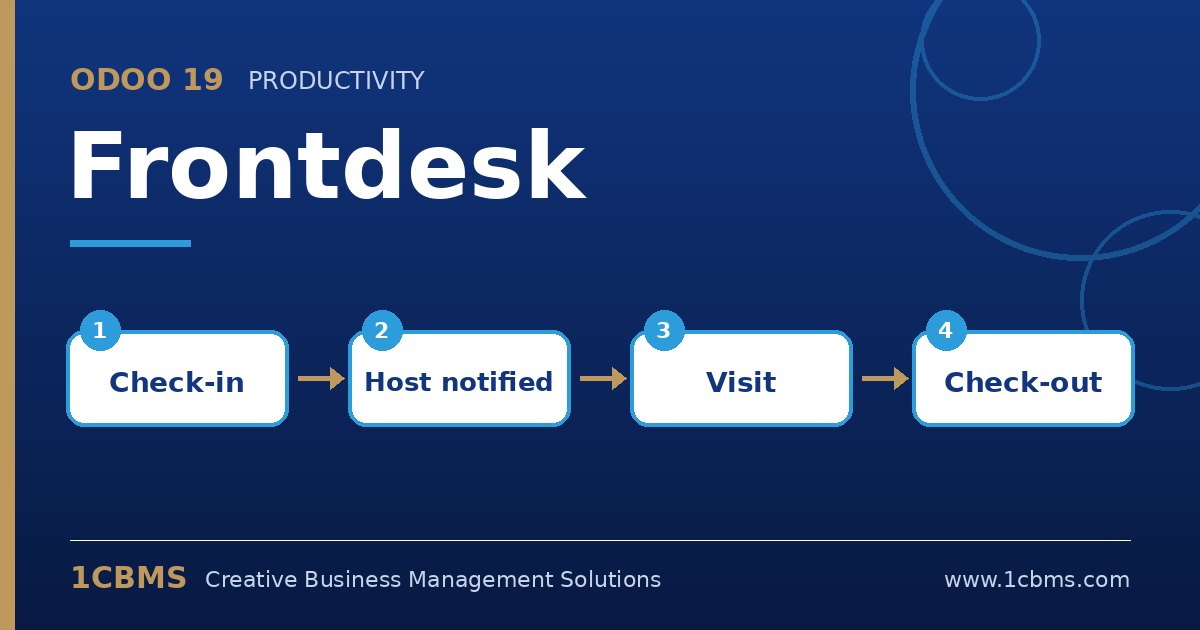
Odoo 19 Frontdesk kiosk for visitor check-in with host notification

Our head office in Doha receives many supplier and client visitors daily. Reception currently phones each host, which causes delays when the host is in a meeting or on another floor.

We installed Frontdesk on a tablet. How do we set it up so the right employee receives an alert as soon as their visitor registers at the kiosk?

Avatar
Discard
Author Best Answer

Frontdesk can notify hosts automatically, and you control the channels per station.

  • In Frontdesk, open your station's configuration and enable host selection so visitors choose who they are visiting.
  • In the same station settings, choose the notification channels for hosts, such as Discuss, email or SMS (SMS uses Odoo's SMS credits).
  • Make sure each host has a correct work email and mobile number on their employee record and an Odoo user if you use Discuss notifications.
  • Optionally enable responsible users for the station so reception also receives a notification for every check-in.
  • Open the kiosk from the station and test a check-in to confirm the host receives the alert.

Hosts can then come to reception directly, and the visitor list shows who is still on site and who has checked out.

Avatar
Discard
Related Posts Replies Views Activity
1
Oct 26
72
1
Oct 26
60
1
Oct 26
60
1
Oct 26
69
1
Oct 26
58