Skip to Content

Welcome!

Share and discuss the best content and new marketing ideas, build your professional profile and become a better marketer together.

Sign up

This question has been flagged
1 Reply
20 Views

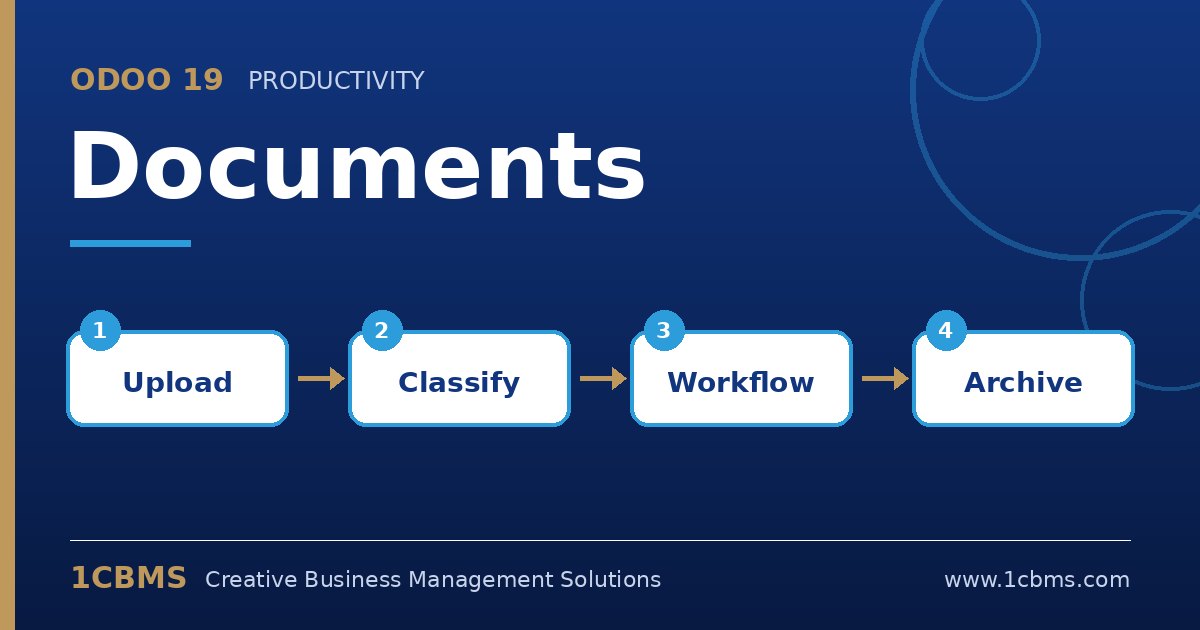
Odoo 19 Documents folders with vendor bills, tags and actions to create records

Our accounting team in Dubai receives about two hundred supplier invoices a month as scans and PDF attachments. Today someone downloads each file and creates the bill manually in Accounting.

We would like suppliers or our scanner to email the files to one address, have them collected in Documents, and then turn them into draft bills with as little typing as possible. Is this possible in Odoo 19?

Avatar
Discard
Author Best Answer

Yes. Documents and Accounting work together for exactly this flow, and digitization can pre-fill most of the bill data.

  • In Settings, under Documents, enable the Accounting integration and choose the finance folder where accounting files are centralised.
  • On the finance folder (or a sub-folder such as Inbox), configure the email alias so that attachments sent to that address are created as documents.
  • Use the split tool if one PDF contains several invoices, then select each file and use the action to create a vendor bill.
  • In Accounting settings, enable bill digitization so supplier, dates and amounts are extracted automatically into the draft bill.
  • Review and confirm the draft bills; the original file stays attached to the bill and in Documents.

Alternatively you can email bills directly to the vendor bills journal alias, but routing through Documents gives you a review stage before bills are created.

Avatar
Discard
Related Posts Replies Views Activity
1
Oct 26
52
1
Oct 26
43
1
Oct 26
38
1
Oct 26
41
1
Oct 26
42