Skip to Content

Welcome!

Share and discuss the best content and new marketing ideas, build your professional profile and become a better marketer together.

Sign up

This question has been flagged
1 Reply
13 Views

Odoo 19 WhatsApp integration: Meta account, approved templates, send from records, chat

We sell building materials in Sharjah and recently connected our WhatsApp Business number to Odoo 19 Enterprise. Sending order confirmations with our approved template works fine.

However, when a salesperson tries to send a normal free text message to a customer who has not written to us recently, Odoo only offers templates. Is this an Odoo limitation, and how should we handle follow-ups?

Avatar
Discard
Author Best Answer

This comes from WhatsApp Business Platform rules, not from Odoo. Businesses can only send free text messages within a limited time after the customer's last message. Outside that window, the conversation must start with a template approved by Meta.

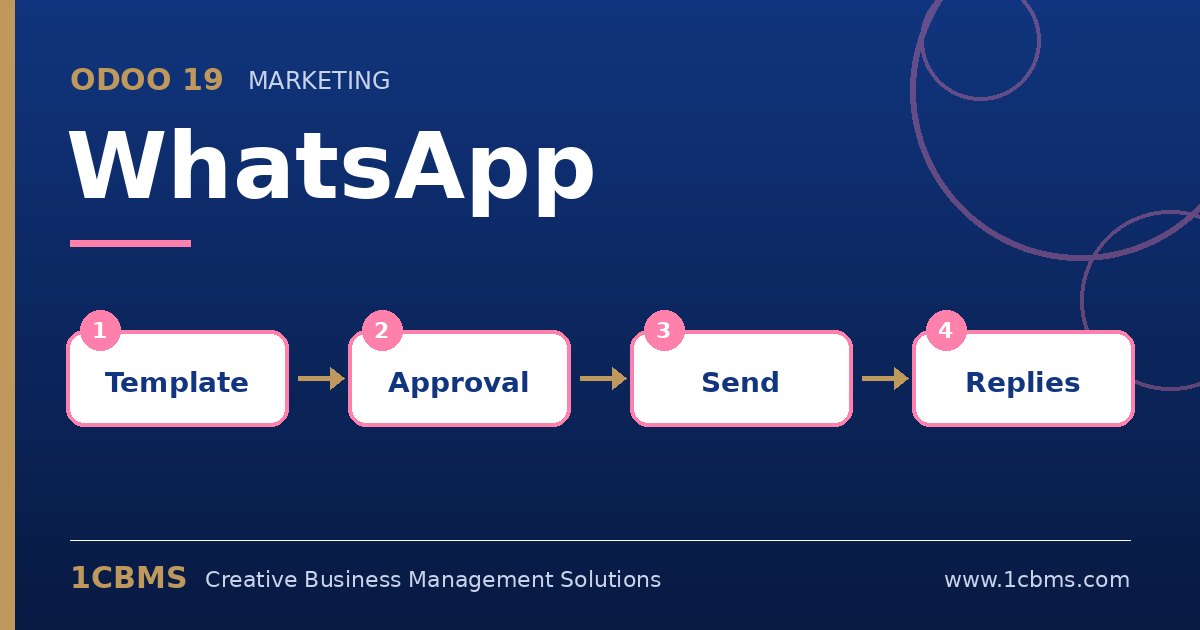
  • In the WhatsApp app, go to the templates menu and create a general follow-up template, for example a short message inviting the customer to reply, with dynamic fields such as the customer name.
  • Choose the right category and language, then submit the template and wait for Meta's approval status to appear in Odoo.
  • Link the template to the model your salespeople use, such as contacts or sales orders, so it is offered from the WhatsApp button on those records.
  • Once the customer replies, the conversation opens in Discuss and your team can answer with free text during the open window.
  • Assign responsible users on the WhatsApp account so replies are routed to the right salespeople.

Prepare a small set of approved templates for common situations such as follow-ups, payment reminders and delivery notices.

Avatar
Discard
Related Posts Replies Views Activity
1
Oct 26
19
1
Oct 26
12
1
Oct 26
12
1
Oct 26
13
1
Oct 26
12