Skip to Content

Welcome!

Share and discuss the best content and new marketing ideas, build your professional profile and become a better marketer together.

Sign up

This question has been flagged
1 Reply
78 Views

Odoo 19 Events: create event, sell tickets online, attendee communication, check-in

We organise a yearly industrial exhibition in Baghdad and this year we want visitors to buy tickets online instead of queueing at a cash desk. We have Odoo 19 with the Website and Events apps installed.

We need two ticket types, standard and VIP, payment online, and a quick way for our gate staff to check people in with a phone or scanner. Which settings do we need?

Avatar
Discard
Author Best Answer

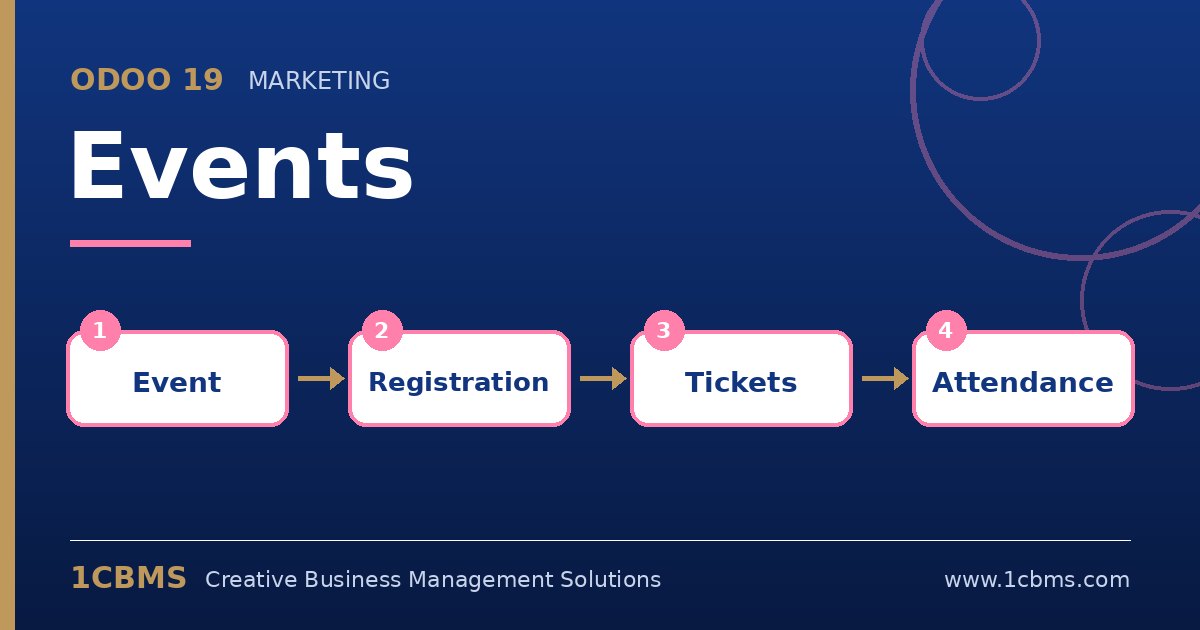
Odoo 19 Events supports this flow out of the box: paid tickets are sold through the website checkout, and each registration has a barcode that staff scan at the entrance.

  • In Events > Configuration > Settings, enable the options for tickets and online ticketing so paid tickets can be sold on the website.
  • Open your event, go to the tickets tab and create two tickets, Standard and VIP, each linked to a ticket product with its price and a maximum number of seats.
  • Make sure at least one online payment provider is configured and published for the website.
  • Publish the event on the website and test a purchase to check the confirmation email and the attached ticket or badge.
  • On event day, staff open the registration desk in the Events app and scan the barcodes with a phone camera or a barcode scanner to mark attendees as present.

Run a short rehearsal with your gate team before opening day. It also helps to keep a printed list of registrations as a fallback in case of network issues at the venue.

Avatar
Discard
Related Posts Replies Views Activity
1
Oct 26
83
1
Oct 26
64
1
Oct 26
68
1
Oct 26
60
1
Oct 26
68