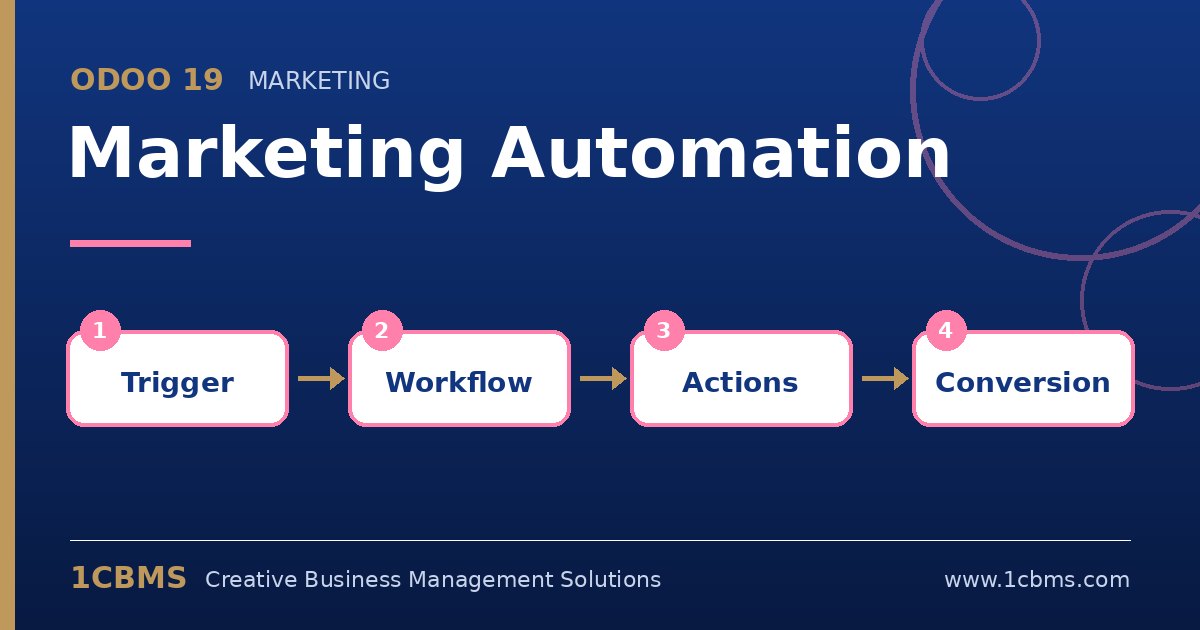
This is a typical use of the Odoo 19 Marketing Automation app, which is an Enterprise app. The campaign targets leads, and each step is triggered by time or by the result of the previous email.
- In Marketing Automation, create a new campaign, choose Lead or Opportunity as the target and add a filter, for example leads created from your website source that have an email address.
- Add the first activity as an email with the welcome template and set it to run right after the record enters the campaign.
- Under the welcome email, add a child activity for the catalogue email with the trigger set to opened and a delay of a few days.
- Add a second child activity for the reminder email with the trigger set to not opened, also with a delay.
- Use the test option with one lead to check the flow, then start the campaign.
Once running, the campaign checks for new leads periodically and adds them automatically. Review activity statistics after a few weeks and adjust delays or content.