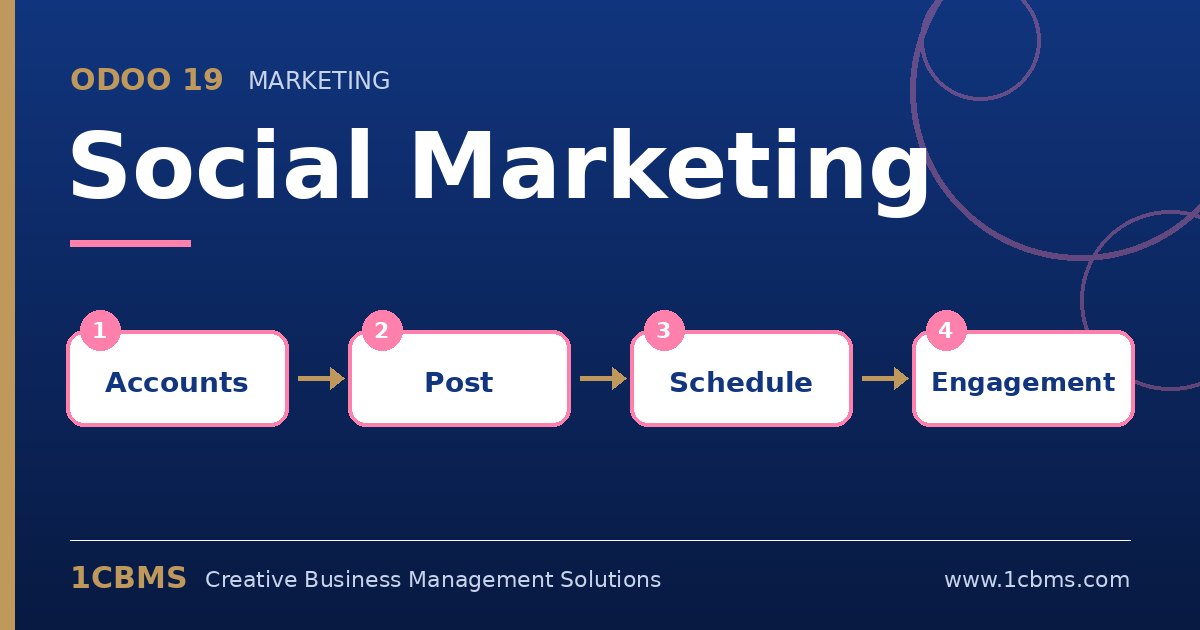
Yes. Odoo 19 Social Marketing lets you create one post, select several connected accounts and schedule it. Each network still has its own rules, so preview the post for each one before scheduling.
- In Social Marketing, add your accounts from the configuration menu; connect the Facebook page first, then the Instagram professional account that is linked to that page.
- Go to Social Marketing > Posts and create a new post, then tick the Facebook and Instagram accounts you want to publish to.
- Write the message and attach images; Instagram requires at least one image, so always include one.
- Check the preview for each network shown next to the editor.
- Choose to schedule the post, set the date and time, and confirm.
Scheduled posts appear in the posts calendar, which is useful for reviewing the whole week with your team. If a scheduled post fails, Odoo shows an error on the post, which usually means the account needs to be reconnected.