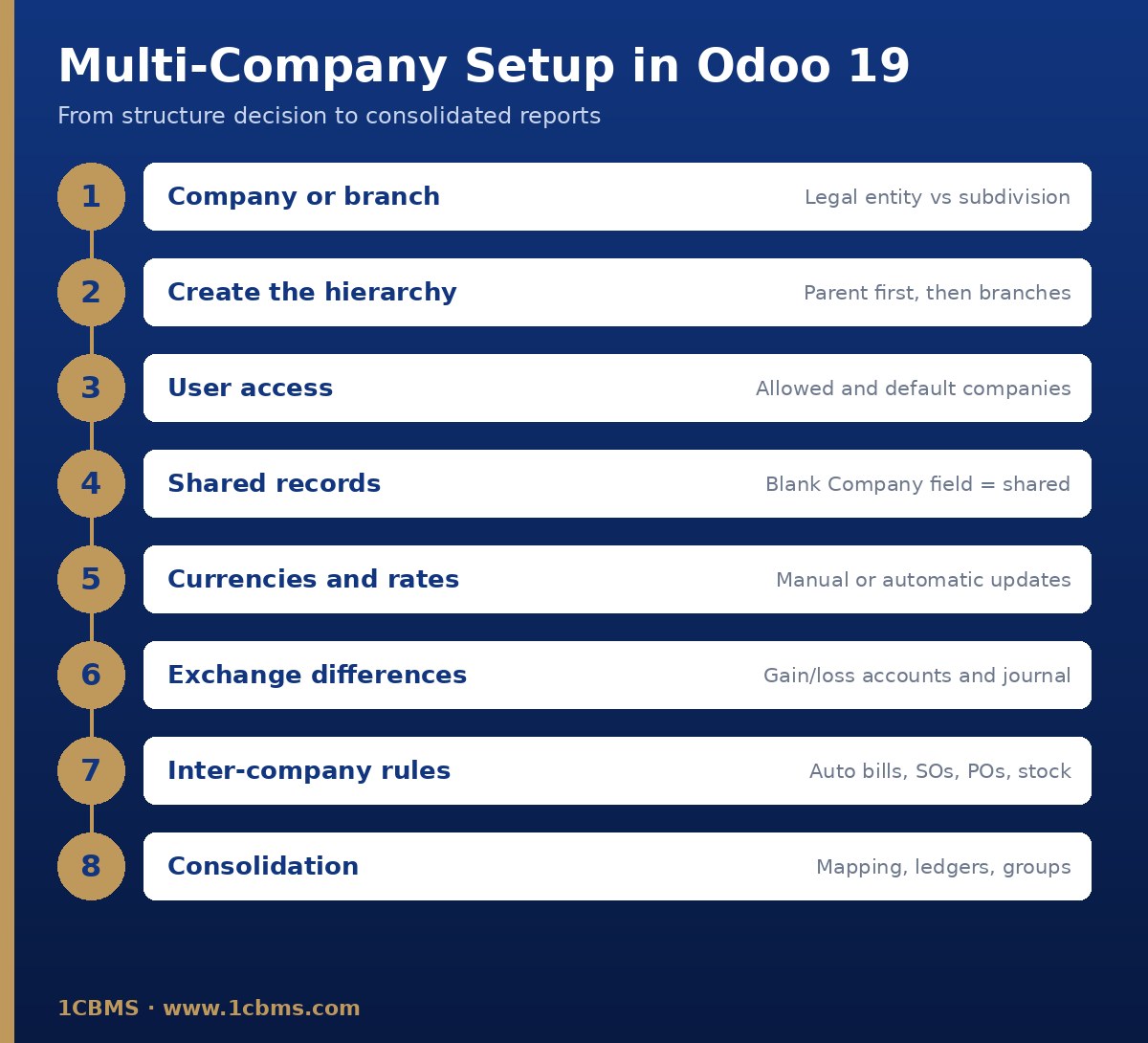
Because the Baghdad office is a separate legal entity with its own registration and main currency, create it as a separate company, not a branch. Odoo's documentation states that independent subsidiaries should be additional companies, and branches always inherit the parent's chart of accounts, main currency and taxes, which would not fit an IQD entity.
Setting up the companies
- Create the new company in Settings, Users & Companies, Companies, set IQD as its currency and install the appropriate fiscal localization.
- Create a warehouse for the new company manually; Odoo does not create one automatically for companies added after the initial setup.
- On each user, set the allowed Companies and a Default Company in the Access Rights tab.
- Keep products shared (blank Company field) so both companies can trade the same items; cost is still kept per company.
Currencies
Activate USD in both companies under Accounting, Configuration, Currencies, then enable Automatic Currency Rates in the Accounting settings and choose the interval and rate service, or enter rates manually if you must follow an official rate. Set the exchange difference journal and gain and loss accounts; realized differences are posted automatically on reconciliation, and the Unrealized Currencies report handles period-end revaluation.
Avoiding double entry
Enable Inter-Company Transactions for each company in the Settings app. With Create Purchase Orders, a sales order confirmed in Egypt for the Baghdad company creates a draft purchase order there; with Create Vendor Bills, the Egyptian invoice generates the matching bill. Add Synchronize Stock Moves if deliveries should mirror receipts, and use Validated only after testing.
Check fiscal positions and taxes in both companies first, since Odoo warns that inter-company documents depend on them. For group reporting, use account mapping and a consolidation multi-ledger in the Egyptian company. Test the full cycle in a duplicate database before going live.