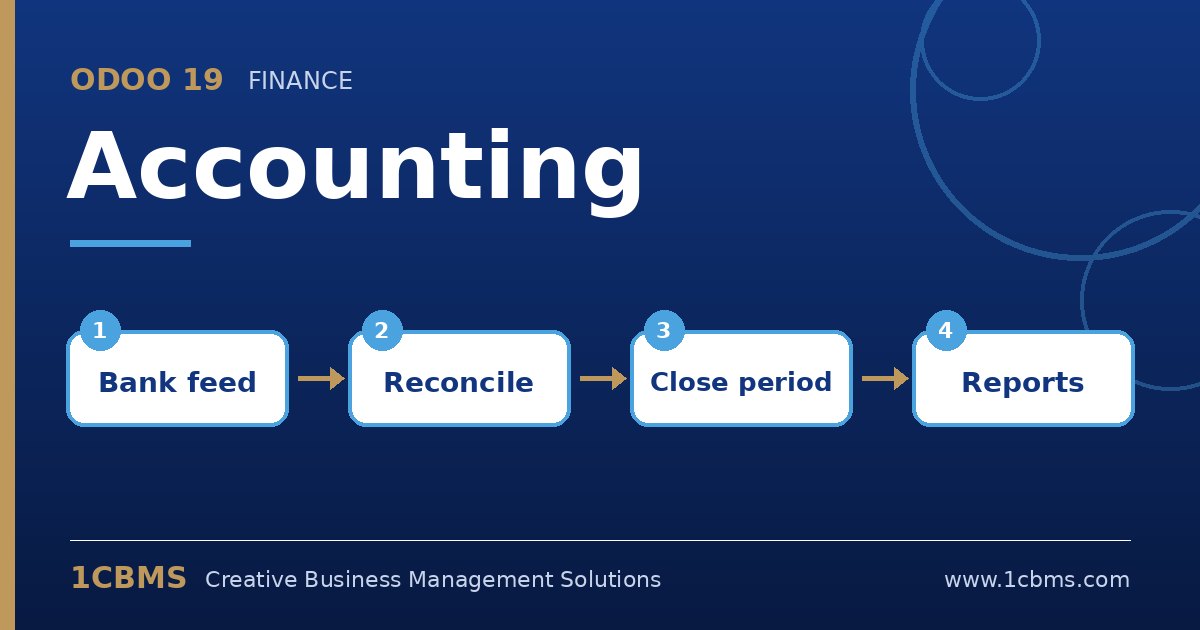
Yes. This is exactly what reconciliation models are for. You define a rule once, and Odoo either proposes or applies the counterpart entry whenever a statement line matches it.
- Go to Accounting > Configuration > Reconciliation Models and create a new model of the type that writes off the line to an account (a button or a rule-based model).
- Set the matching conditions, for example the bank journal, the amount nature and a label condition such as contains FEE or COMMISSION.
- On the counterpart lines, choose your bank charges expense account and, if needed, an analytic distribution and tax.
- Enable the auto-validate option only after you have tested the rule, so matched lines are reconciled without a click.
- Open the bank reconciliation screen from the Accounting dashboard and confirm the model is suggested on the right lines.
Start with suggestion mode for a month, check the results, then switch the most reliable rules to automatic. Your accountant will then spend time only on the lines that genuinely need judgement.