Skip to Content

Welcome!

Share and discuss the best content and new marketing ideas, build your professional profile and become a better marketer together.

Sign up

This question has been flagged
1 Reply
21 Views

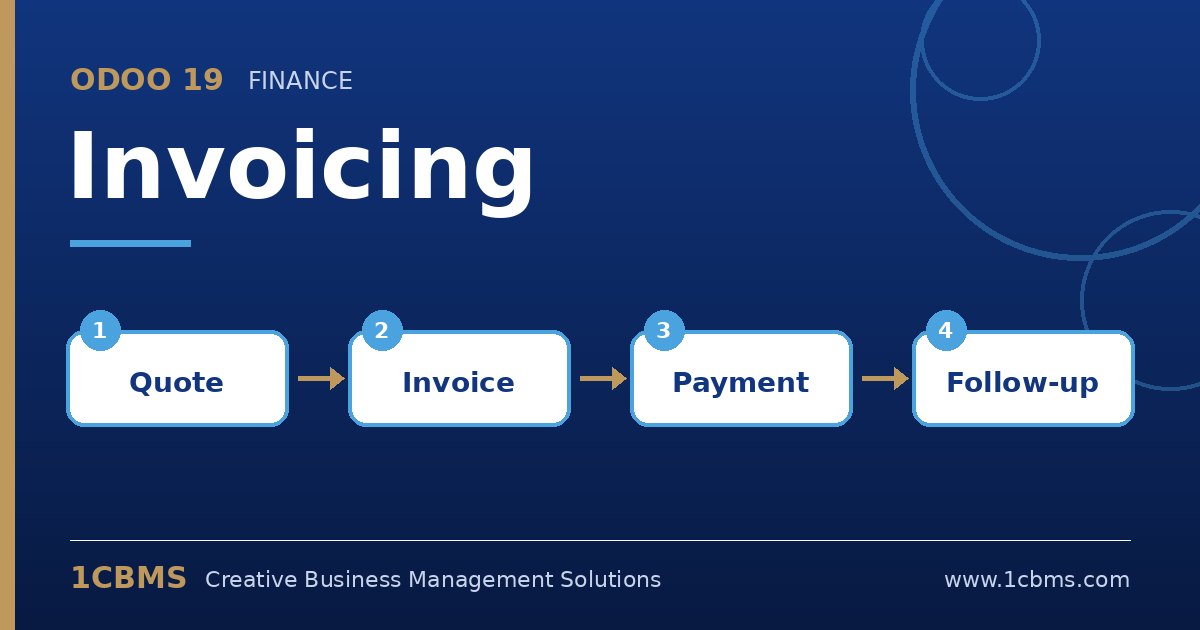
Odoo 19 Invoicing flow: draft invoice, posted invoice, payment, credit note

We sell building materials in Erbil. A customer was invoiced for 50 items and returned 8 of them because they were damaged. Our team wants to edit the posted invoice and reduce the quantity, but our auditor says that is not acceptable.

How should we record this in Odoo 19 so the original invoice stays intact and the customer balance is reduced only by the returned items?

Avatar
Discard
Author Best Answer

Your auditor is right. A posted invoice should not be edited. In Odoo 19 you reverse it into a credit note and then adjust that credit note to cover only the returned quantity.

  • Open the posted customer invoice and click the Credit Note button.
  • In the reversal wizard, enter a reason such as damaged goods returned, choose the reversal date and confirm with Reverse.
  • Odoo opens a draft credit note copying all lines; change the quantity to 8 and remove any lines that were not returned.
  • Confirm the credit note, then use the outstanding credits shown on the invoice to reconcile it against the remaining balance.
  • If you use Inventory, validate the return transfer as well so stock and invoiced quantities stay consistent.

This keeps a full audit trail: the original invoice, the reason for the correction and the credit note are all linked and visible on the customer ledger.

Avatar
Discard
Related Posts Replies Views Activity
1
Oct 26
37
1
Oct 26
29
1
Oct 26
30
1
Oct 26
29
1
Oct 26
24