Skip to Content

Welcome!

Share and discuss the best content and new marketing ideas, build your professional profile and become a better marketer together.

Sign up

This question has been flagged
1 Reply
74 Views

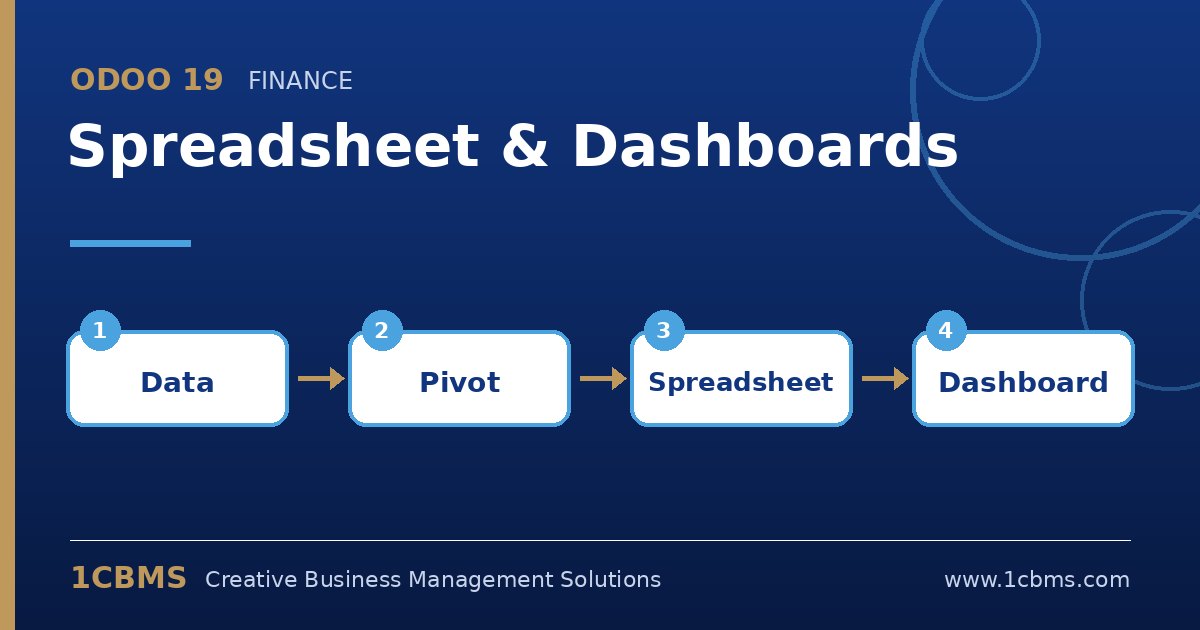
Odoo 19 Spreadsheet dashboard built from live pivot data and charts

I manage sales for a food distributor in Riyadh. Every Sunday I export the sales analysis to Excel, build a pivot by region and product category, add a chart and email it to four regional managers.

We have Odoo 19 Enterprise. Can I build this once inside Odoo so it updates by itself and the managers can open it whenever they want, without me sending files around?

Avatar
Discard
Author Best Answer

Yes. With Enterprise you can insert the pivot into a spreadsheet and publish that spreadsheet as a dashboard, so it always reads current data.

  • Open Sales > Reporting, switch to the pivot view and group by sales team or region and by product category, with the date filters you need.
  • Use the insert in spreadsheet option and create a new spreadsheet; the pivot is added as live data.
  • In the spreadsheet, add a chart based on the pivot range and any totals or ratios you calculate weekly.
  • Add the spreadsheet to the Dashboards app in the section you want, and restrict it to a user group that contains your regional managers.
  • Ask one manager to open it and confirm they see the figures their access rights allow.

From then on the dashboard refreshes from the database whenever it is opened, so the Sunday export becomes unnecessary.

Avatar
Discard
Related Posts Replies Views Activity
1
Oct 26
63
1
Oct 26
87
1
Oct 26
84
1
Oct 26
56
1
Oct 26
87