Skip to Content

Welcome!

Share and discuss the best content and new marketing ideas, build your professional profile and become a better marketer together.

Sign up

This question has been flagged
1 Reply
70 Views

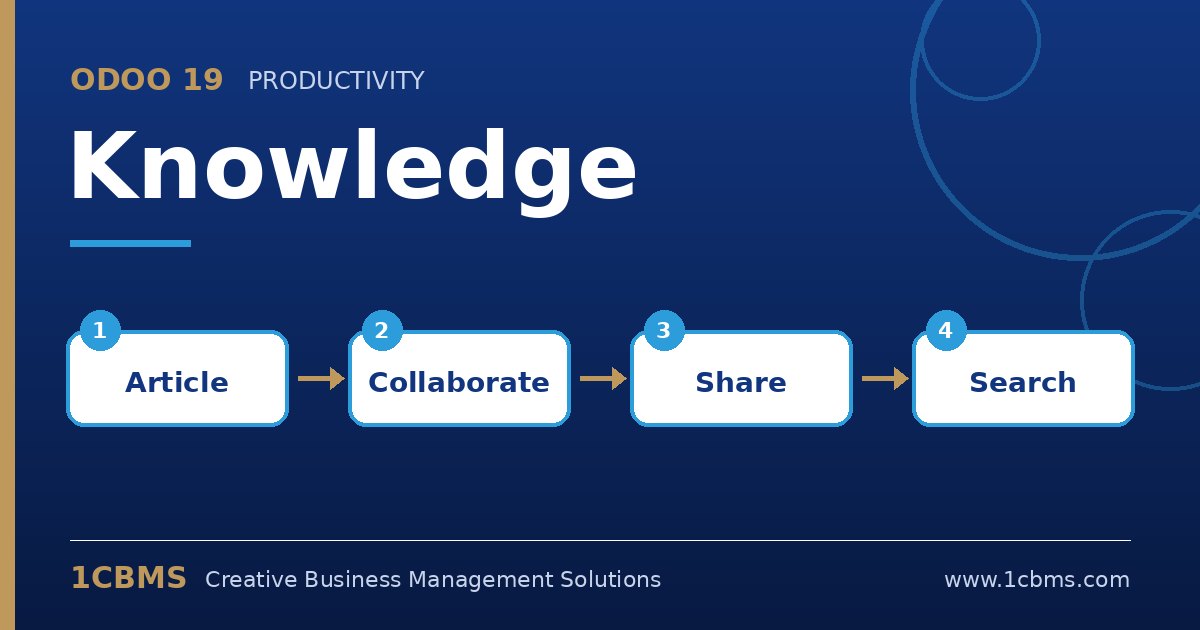
Odoo 19 Knowledge article tree with workspace, private and shared articles

We are a logistics company in Basra and we moved our procedures into Odoo 19 Knowledge. General SOPs should be readable by all staff, but salary policies and disciplinary procedures must be visible only to HR and top management.

When we create a child article under the main HR section, everyone can still see it. What is the right way to set access?

Avatar
Discard
Author Best Answer

Knowledge permissions are set per article and child articles inherit from their parent unless you change them, which explains what you are seeing.

  • Open the restricted article and click Share at the top right to manage its access.
  • Set the default access for internal users to No access, then add HR and management members with Can edit or Can read.
  • If the article sits under a parent visible to all, change its own permission so it no longer inherits; Odoo will ask you to confirm the restriction.
  • Alternatively, create a separate root article for confidential HR content, restricted from the start, and place sensitive children there.
  • Test by logging in as a regular employee, or ask one, to confirm the article no longer appears in their sidebar or search.

Keeping confidential content under its own restricted root article is usually easier to maintain than overriding permissions on many individual children.

Avatar
Discard
Related Posts Replies Views Activity
1
Oct 26
82
1
Oct 26
78
1
Oct 26
81
1
Oct 26
78
1
Oct 26
90