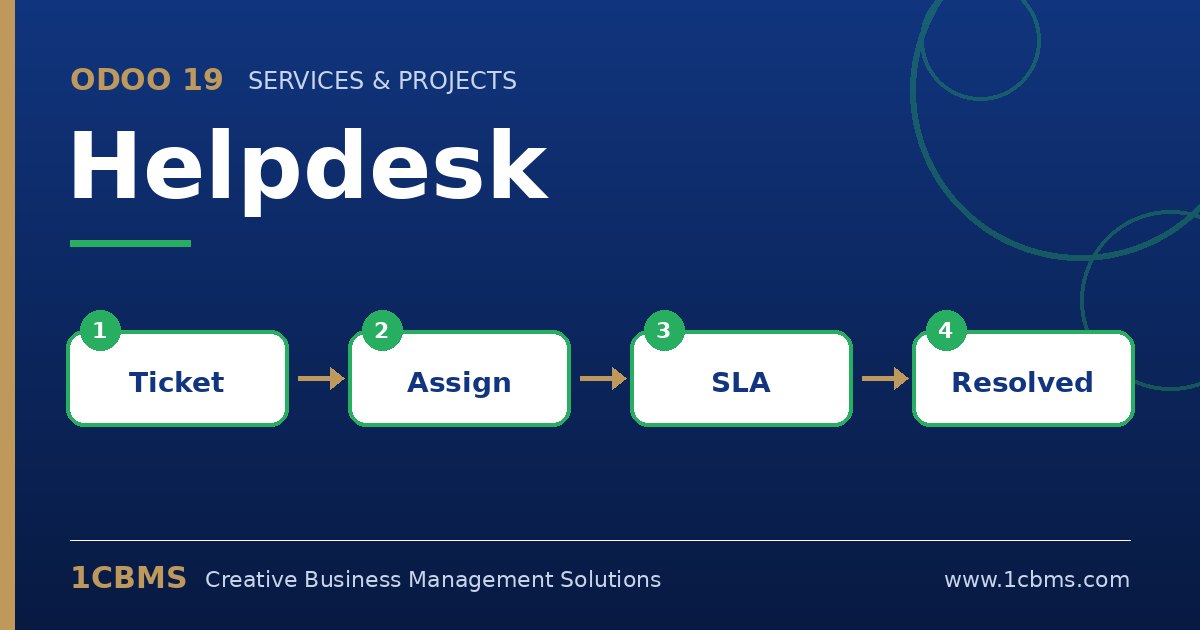
Odoo 19 Helpdesk supports SLA policies that apply automatically to tickets matching conditions such as priority, ticket type, tags or customer.
- Open Helpdesk > Configuration > Teams, select your support team and enable SLA policies in its settings.
- Go to the SLA policies menu under Helpdesk configuration and create a policy for each case, for example Premium Urgent, with the team, the minimum priority and the premium customers or a premium tag.
- Set the target stage, such as Solved, and the time allowed to reach it; working hours of the team can be taken into account.
- Create similar policies with longer targets for standard customers and lower priorities.
- Use the ticket list with SLA filters, such as failed or due soon, and the SLA status analysis report to monitor performance.
Tickets show their SLA deadlines directly on the form and in the kanban view, which helps agents prioritise. Review results monthly with your team and adjust targets that are consistently missed or too generous.