Skip to Content

Welcome!

Share and discuss the best content and new marketing ideas, build your professional profile and become a better marketer together.

Sign up

This question has been flagged
1 Reply
56 Views

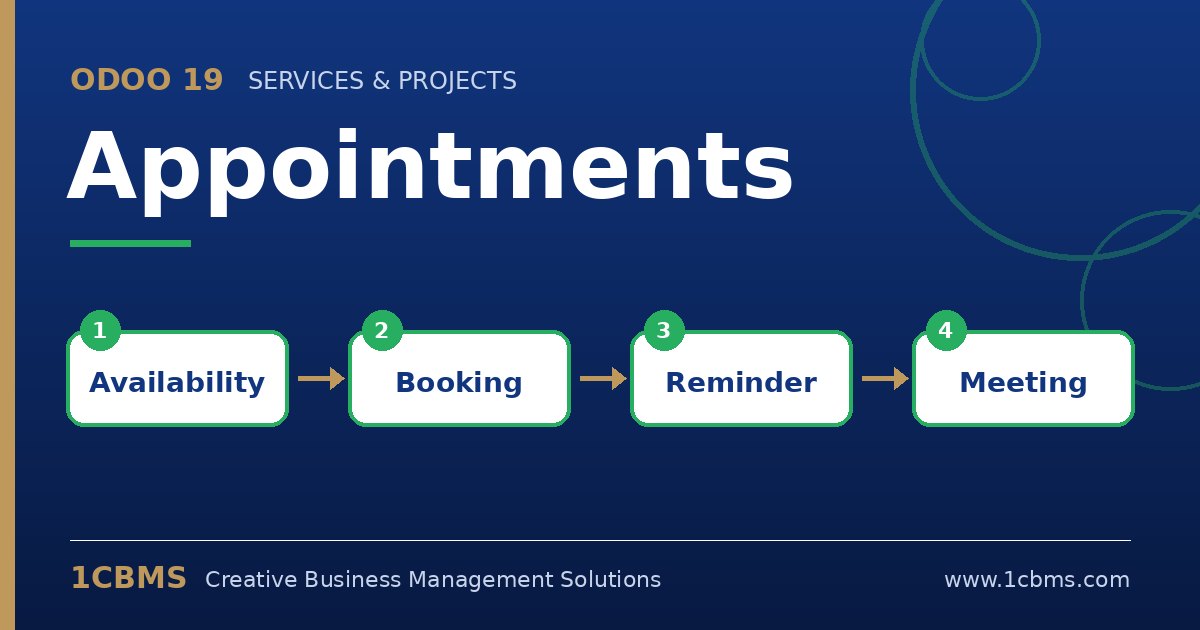
Odoo 19 Appointments online booking page with available time slots and staff selection

We are a dental group in Riyadh with three branches. We want patients to book online, choose the branch first, then pick a dentist who works there, and only see slots when that dentist is actually available.

Right now our test appointment type shows all dentists together. How should we structure appointment types, staff and schedules to get this working properly?

Avatar
Discard
Author Best Answer

This is a common structure and it works well when each branch has its own appointment type and each dentist has an accurate working schedule.

  • In Appointments, create one appointment type per branch (for example Consultation - Branch A) and set the location to that branch address.
  • On each appointment type, choose Users as what is booked, add only the dentists of that branch, and allow the customer to pick the user.
  • Make sure every dentist has the correct working hours, and connect their Google or Outlook calendar so other commitments block slots.
  • Set the duration, minimum notice and scheduling window in the type's options, and add questions such as reason for visit.
  • Publish the types on your website appointment page; patients then choose the branch type and the dentist, and only free slots appear.

If a dentist works in two branches, add them to both types and split their schedule carefully so the same hour cannot be booked twice.

Avatar
Discard
Related Posts Replies Views Activity
1
Oct 26
69
1
Oct 26
63
1
Oct 26
63
1
Oct 26
72
1
Oct 26
64