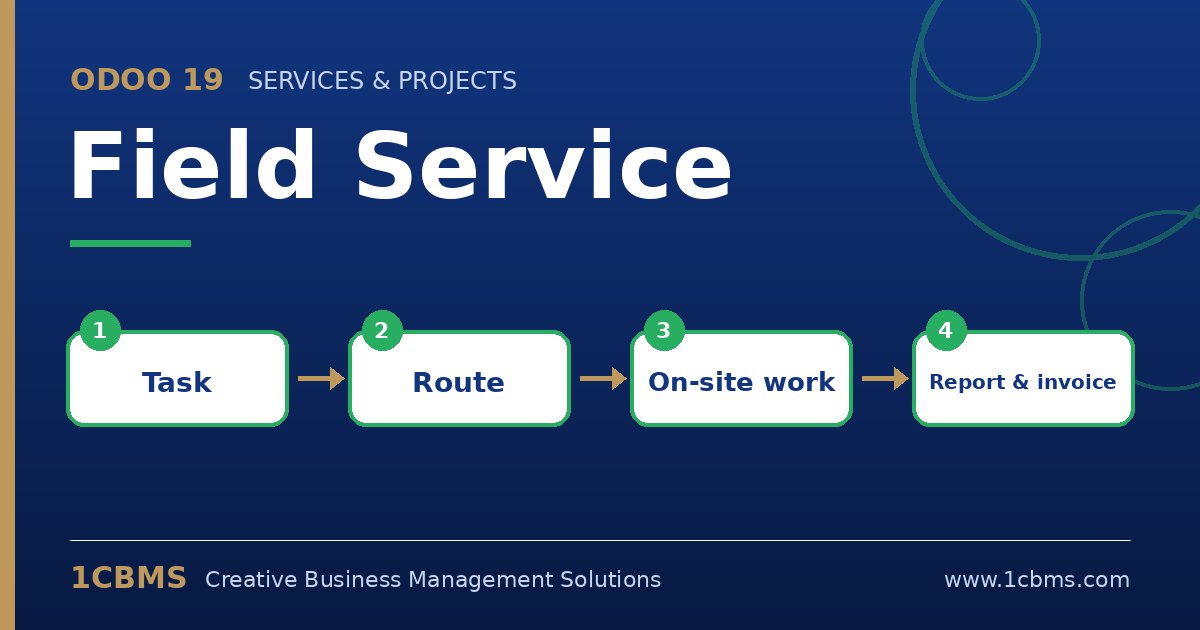
Odoo 19 Field Service is designed for this. Technicians work on the intervention task from their phone, add products used, complete a worksheet and collect the customer's signature.
- In Field Service > Configuration > Settings, make sure the options for worksheets and for adding products on tasks are enabled.
- Create a worksheet template for air conditioning maintenance with the checks your technicians must complete.
- Assign each project or task the right worksheet template, and make sure the field service project is set up for invoicing if you bill customers.
- On site, the technician opens the task, uses the products button to add the parts used, fills in the worksheet and records time with the timer.
- The technician then asks the customer to sign the report on the device and marks the task as done, after which the report can be sent to the customer.
The products added on the task appear on a sales order, so the office can create the invoice in a few clicks. If technicians carry stock in their vehicles, use the correct inventory locations.