Yes. Planning supports open shifts and switch requests, so most of this can move to employee self-service while managers keep the final view.
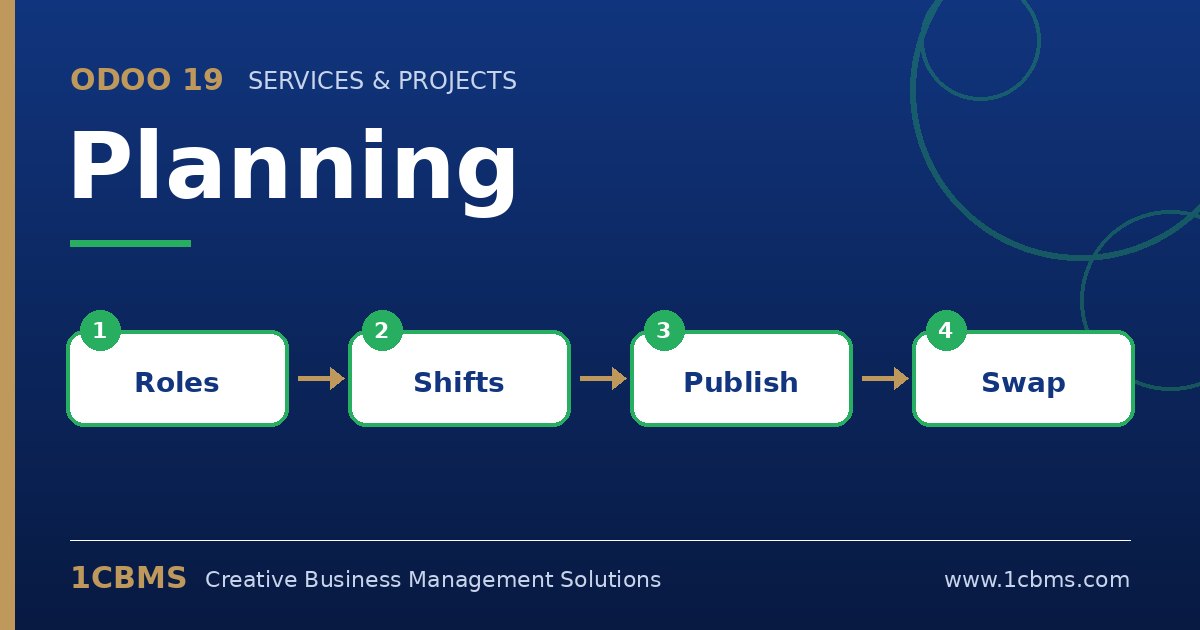
- In Planning > Configuration > Settings, enable the options that allow employees to unassign themselves from shifts and to request switches, and set how close to the shift start this is allowed.
- Give each employee the right roles on their employee form (Planning roles), so open shifts are offered only to qualified staff.
- Create shifts without an assignee to make them open shifts, then publish the schedule; eligible employees can claim them from the link in the email or from their portal.
- When an employee asks to switch a shift, it is flagged for others to take over; colleagues can accept it and the schedule updates automatically.
- Use the Gantt view grouped by employee or role to monitor changes and spot conflicts.
Start with a two-week pilot in one branch, agree the rules with staff, and then roll the same settings out to the other cafes.