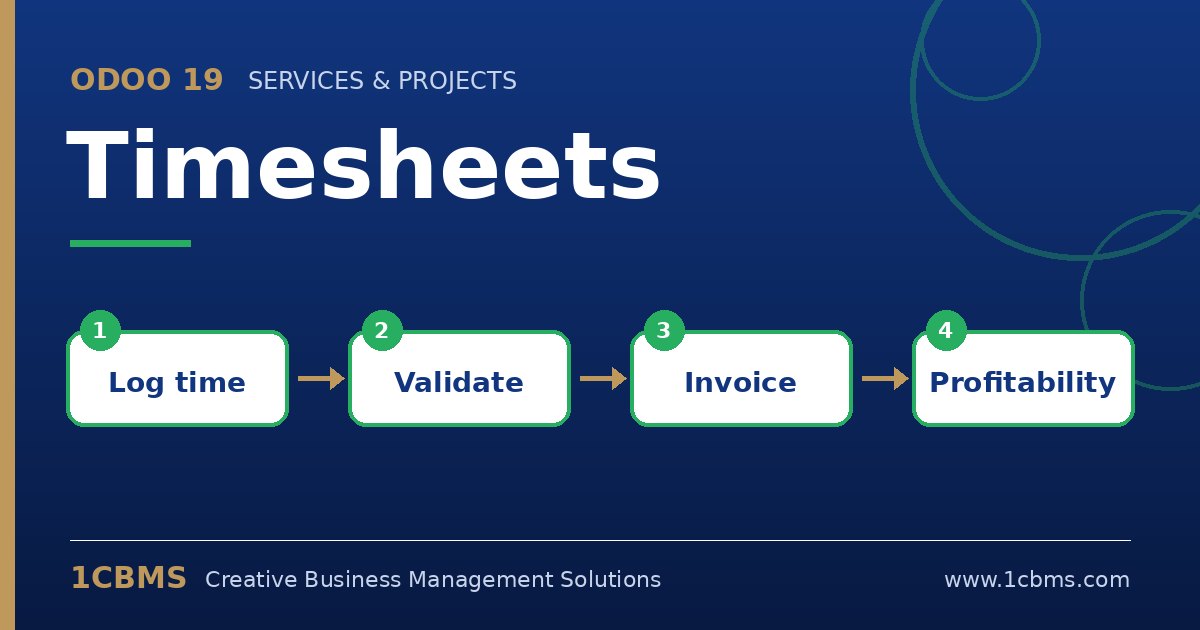
Odoo 19 supports this through service products whose invoicing policy is based on timesheets. Hours recorded on the linked project or task update the delivered quantity on the sales order, which is then invoiced.
- Create or edit a product of type service, set the invoicing policy to based on timesheets, and set the unit of measure to hours.
- In the same product, choose the create on order option to create a task or project automatically when the sales order is confirmed, or link to an existing project.
- Confirm a sales order with this product; consultants then log their time on the created task.
- If you use validation in Enterprise, have managers validate timesheets, and choose in the settings whether only validated timesheets are invoiced.
- Use the create invoice action on the sales order, or invoice several orders at once from the list of orders to invoice.
Check the delivered quantity on the sales order line before invoicing; it should match the hours recorded. Clear timesheet descriptions also appear on the timesheet report that can accompany the invoice for the customer.