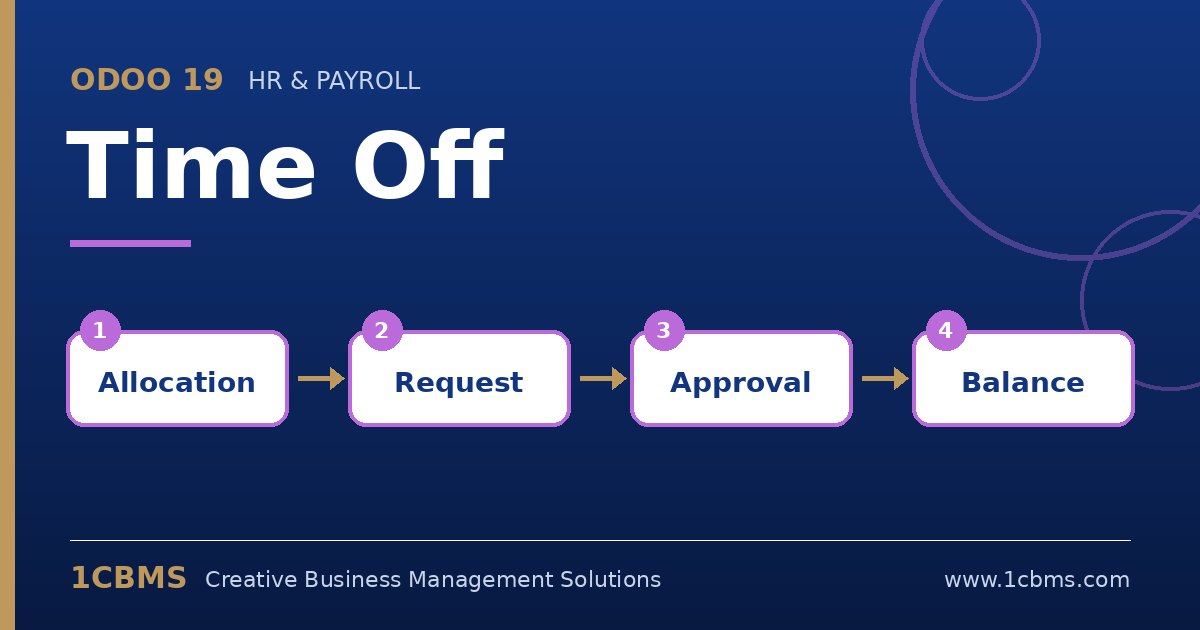
Odoo 19 Time Off supports this with accrual plans. An accrual plan defines how much leave is earned, how often, and what happens to unused days at the carry-over date.
- In Time Off, go to Configuration and then Accrual Plans, and create a plan for annual leave.
- Add a milestone that grants the monthly amount, and set the accrual to start immediately or after a probation period.
- In the plan's carry-over settings, choose the carry-over date, such as the start of the year, and limit the number of days that can be carried over.
- Create an accrual allocation for each employee, or in bulk by department, linking the annual leave type and the plan.
- Check the employee's balance after a test period to confirm that the accrued and carried amounts match your policy.
You can also add later milestones that increase the monthly amount after a number of years of service, if your policy rewards seniority.