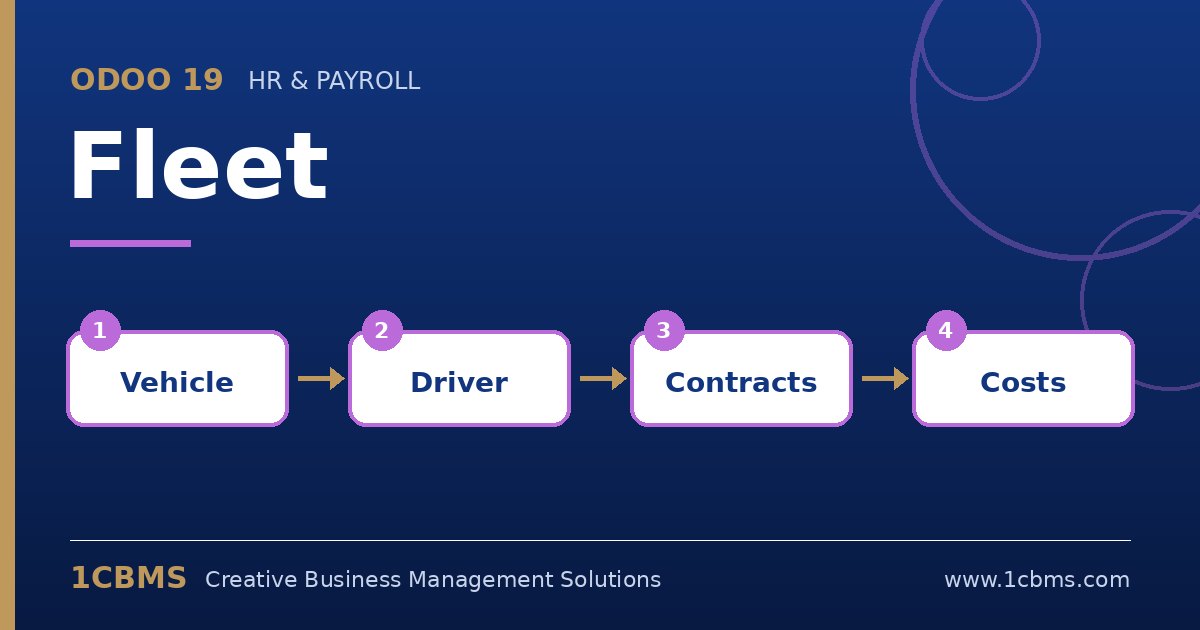
Odoo 19 Fleet handles this with vehicle contracts and a built-in expiry alert. Once the contracts are recorded with their end dates, Odoo flags the ones that are about to expire.
- Go to Fleet > Configuration > Settings and set the number of days before the contract end date that you want to be alerted.
- Open each vehicle and create its contracts from the contracts smart button, choosing the contract type such as insurance or leasing, the vendor, the start and end dates and the recurring cost.
- Assign a responsible person on each contract so the right person receives the follow-up activity.
- Use the contracts list with the filter for contracts to renew or expiring soon, and check it as part of a weekly routine.
- For total cost per vehicle, use the Fleet reporting on costs, grouped by vehicle, which combines contract and service costs.
Make sure every new vehicle gets its contracts recorded on the day it is added. With complete data, the alerts and cost reports become a reliable control rather than another list to maintain.