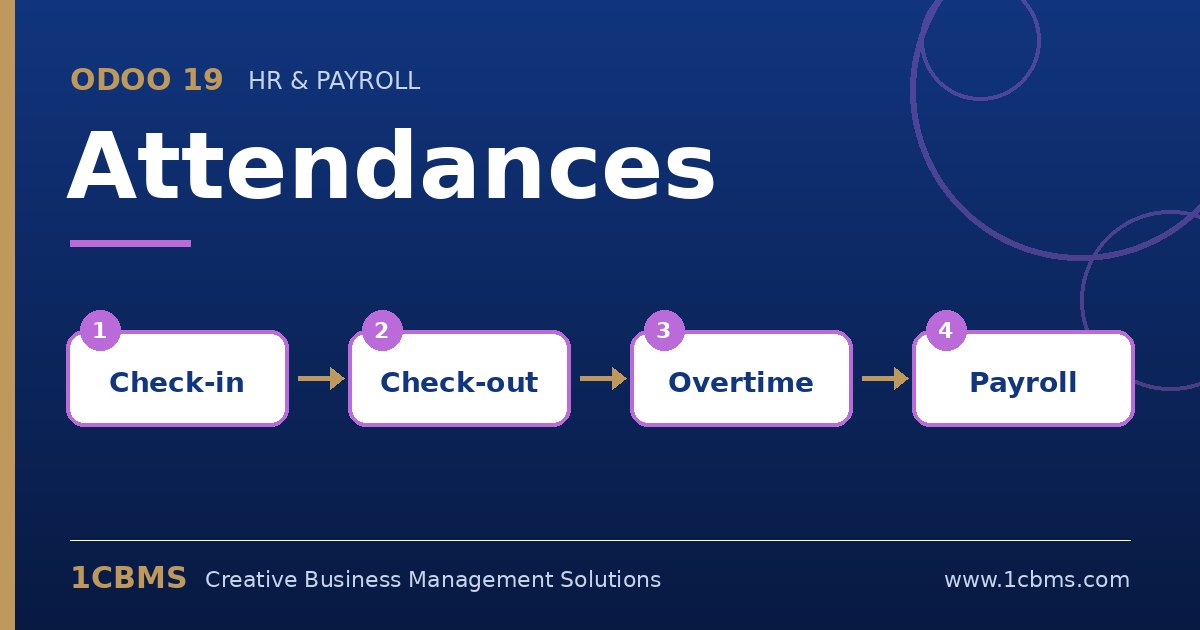
Odoo 19 Attendances includes a kiosk mode designed for this. A tablet runs the kiosk page, and employees identify themselves with a badge or by selecting their name, optionally confirmed with a PIN.
- In Attendances, go to Configuration and then Settings, and choose the kiosk mode, for example barcode or RFID, manual selection, or both.
- In the same settings, enable employee PIN identification so a PIN is required to confirm the check-in.
- Open each employee, set a badge ID and a PIN on the HR settings tab, and print the badges from the employee form.
- Open the kiosk from the Attendances app on the tablet, using the kiosk URL so it runs without a full user session.
- Test check-in and check-out and verify the records in the attendance list.
A camera-equipped tablet can scan badges, or you can connect an inexpensive USB barcode reader for faster scanning at shift change.