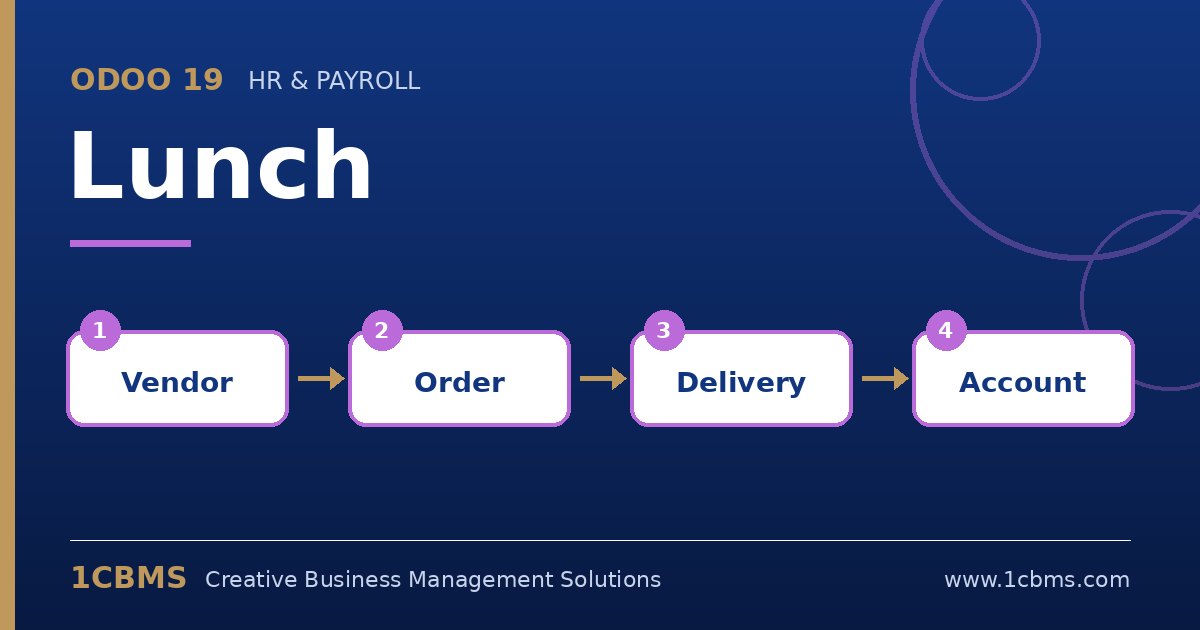
Odoo 19 Lunch tracks a balance per employee. Orders reduce it, cash moves increase it, and an overdraft setting limits how far it can go below zero.
- Go to Lunch > Configuration > Settings and set the lunch overdraft amount you allow; set it to zero if employees must always have a positive balance.
- To record cash from an employee or the monthly company contribution, use the cash moves menu under the Lunch manager section and create a move with the employee, date and amount.
- If the contribution is the same for everyone, prepare the cash moves in a spreadsheet and import them each month rather than typing them one by one.
- Use the Lunch reporting and the cash move list to review balances per employee and follow up with anyone close to the limit.
Once the overdraft limit is in place, employees with an insufficient balance cannot confirm new orders, which removes the need for the office manager to chase payments. Share the policy with staff before you lower the limit so nobody is surprised at lunchtime.