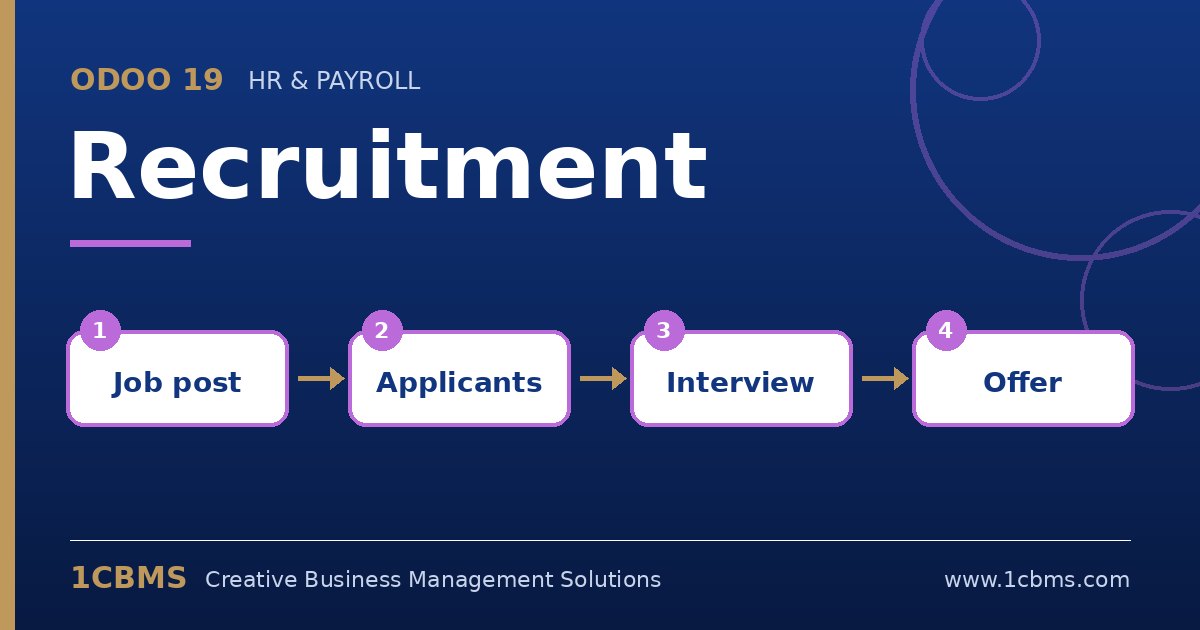
Yes. In Odoo 19 Recruitment, each pipeline stage can have an email template. When an applicant enters that stage, the template is sent automatically using the applicant's details.
- Open Recruitment and go to the job's pipeline, then edit the stage you want, for example New or First Interview.
- In the stage settings, select an email template, or create a new one from the template field.
- In the template, use dynamic fields such as the applicant name and the job position, and write the text in the language your candidates use.
- Make sure each applicant has a valid email address, since applications from the website form capture it automatically.
- Move a test applicant through the stages and check the chatter, where every sent email is logged.
For refusals, use the refuse action with a reason and its template, which lets you send a polite message without moving the applicant to a stage.