
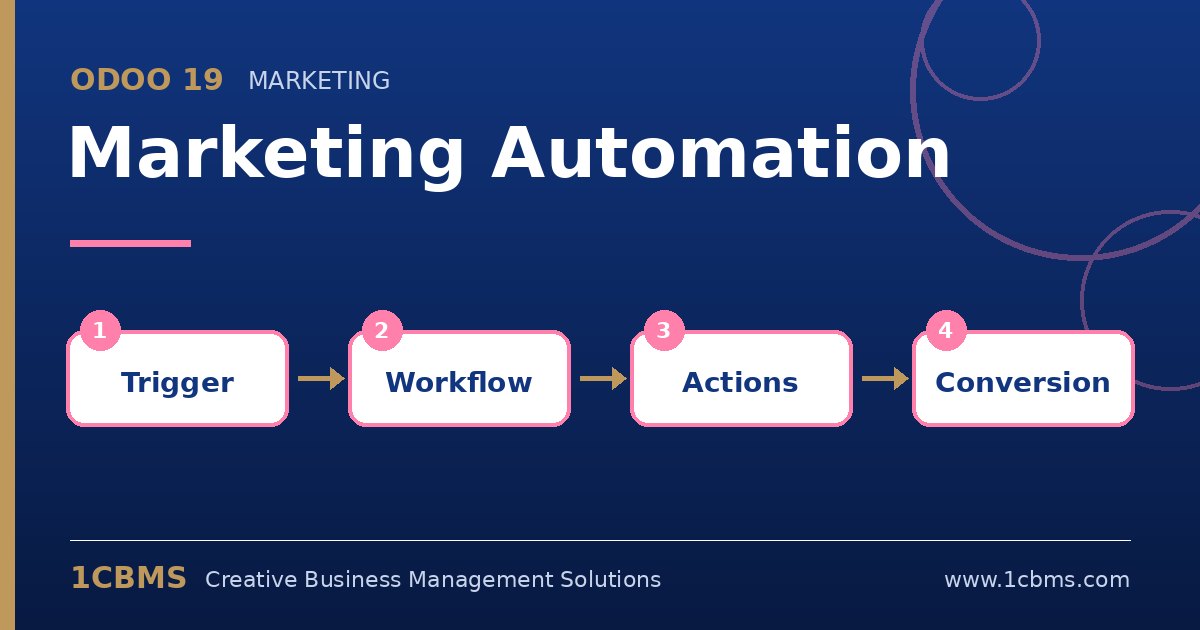
Following up every new lead, trial user or customer by hand is not realistic for a growing team. The Odoo 19 Marketing Automation app, part of Odoo Enterprise, lets you define a target audience once and then build a sequence of emails, SMS messages and internal actions that run automatically based on time and on how each person reacts.
The most asked questions about Odoo 19 Marketing Automation
- Target and filter: a campaign targets a model such as contacts, leads or event attendees, with a filter that decides who enters the campaign.
- Activities: each step can send an email, send an SMS or run a server action, for example to update a field or create an activity.
- Triggers: steps can start after a delay or depend on the result of a previous step, such as opened, not opened, clicked or replied.
- Test mode: you can run a test with a single record and move it through the steps to check the logic before launching.
- Results: each activity shows how many participants were processed, rejected or are waiting, along with mailing statistics.
Practical setup tips
- Draw the journey on paper first, including what should happen when someone does not respond.
- Use a unique field in the campaign so the same person does not enter twice.
- Start with a short sequence of two or three messages and extend it once you see results.
- Make sure the filter only includes contacts who agreed to receive marketing messages.
Automated campaigns save time only when the logic is clear and tested. 1CBMS can help you design, configure and test Odoo 19 Marketing Automation campaigns that fit your sales process.