
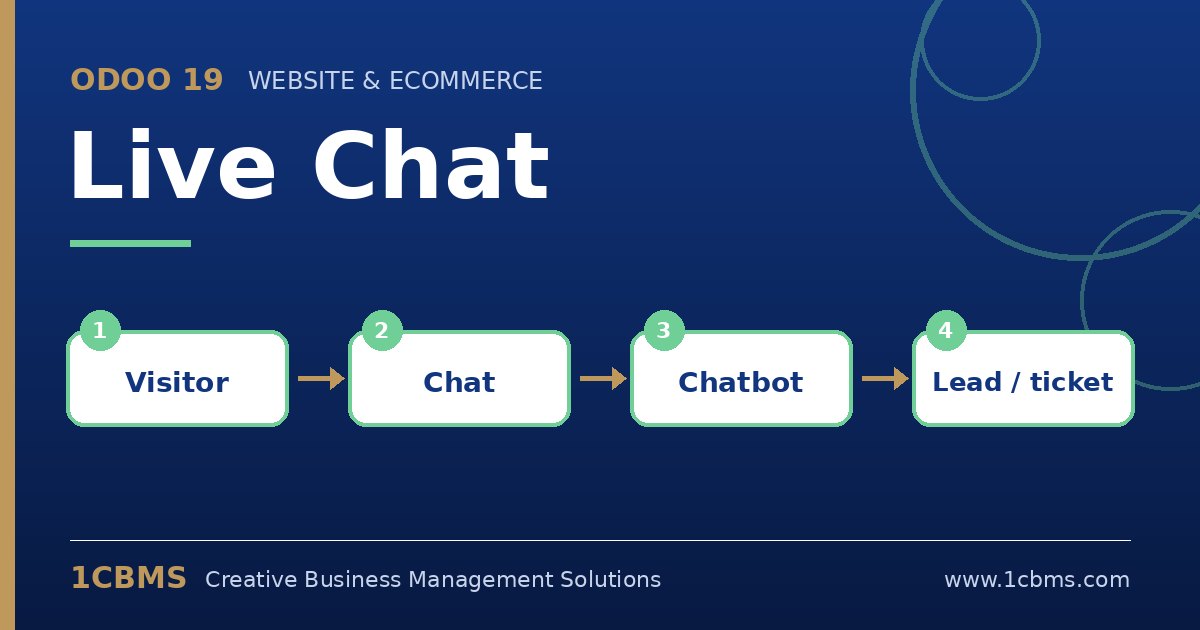
Odoo 19 Live Chat puts a chat button on your Odoo website so visitors can talk to your team while they browse. Conversations are handled inside Odoo by operators, and every message stays linked to the visitor, the page they were on and, when they log in, their contact record. Here are the questions we hear most when companies start using it.
The most asked Live Chat topics
- Chatbots: a chatbot script can greet visitors, ask qualifying questions and hand over to a human operator when needed.
- Channel rules: rules decide on which pages the chat button appears, whether it opens automatically, and which countries it targets.
- Leads and tickets: chatbot steps or operator commands can create a CRM lead or, with Helpdesk installed, a support ticket from the conversation.
- Canned responses: short shortcuts let operators insert standard answers quickly and keep replies consistent.
- Ratings and reports: visitors can rate the conversation, and managers can review session statistics and operator performance.
Practical setup tips
- Create one channel per team or language, for example sales in Arabic and support in English, and add only the operators who should answer it.
- Start with a short chatbot that collects name, email and need before transferring, so operators never begin a chat blind.
- Write your canned responses in both Arabic and English and agree on working hours, so visitors outside those hours are invited to leave a message.
Live Chat works best when it is connected to CRM and Helpdesk, because no conversation is lost and every follow-up is tracked. If you want this configured around your real processes, the 1CBMS team in Egypt and Iraq can set up Live Chat channels and chatbots for your company and train your users so the app is used correctly from day one.