
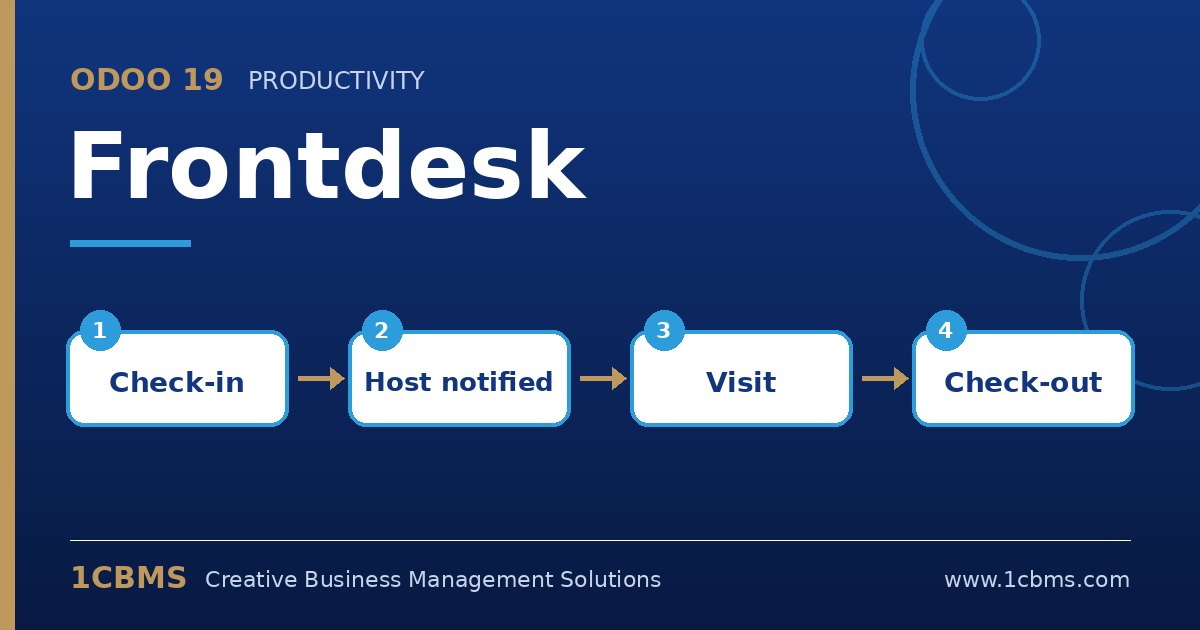
Odoo 19 Frontdesk (Enterprise) replaces the paper visitor book at reception with a tablet kiosk. Visitors register themselves, hosts get notified and the company keeps a clear history of who was on site. These are the most common questions during setup.
The most asked Frontdesk topics
- Stations: create one station per reception desk or building, each with its own kiosk and settings.
- Kiosk check-in: visitors enter name, contact details and host on a tablet, optionally by scanning a QR code with their phone.
- Host notifications: hosts are alerted through Discuss, email or SMS when their visitor arrives.
- Planned visitors: reception can register expected guests in advance so check-in is faster.
- Drinks and visitor list: offer drinks at check-in and see who is currently on site and who has checked out.
Practical setup tips
- Decide which visitor fields are required, such as phone or company, and keep the form short.
- Make sure employees who receive visitors are available in the host list.
- Mount the tablet securely and open the station's kiosk mode so visitors cannot leave the check-in screen.
- Inform visitors how their data is used and define how long visitor records are retained according to your privacy policy.
A digital reception desk improves security and makes a strong first impression. 1CBMS can help configure Frontdesk stations and notifications in Odoo 19 and train your reception team.