
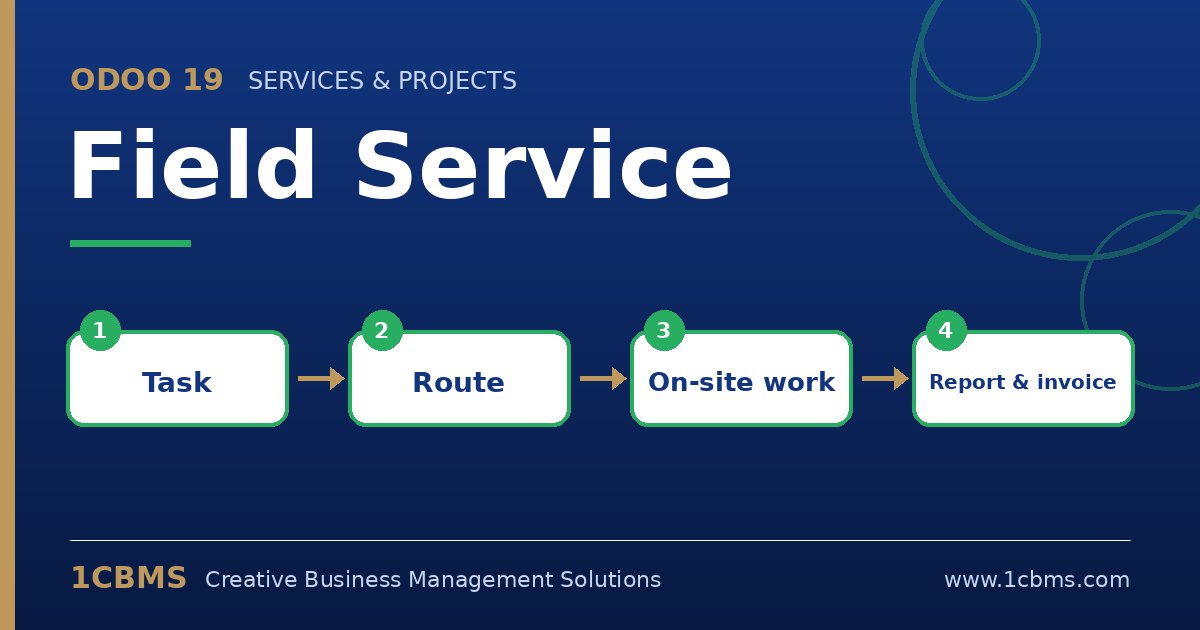
On-site work involves planning, travel, spare parts and paperwork, and any gap means lost time or lost revenue. The Odoo 19 Field Service app, part of Odoo Enterprise, organises interventions as tasks that technicians can see and update from their phones, connected to Inventory, Timesheets and Sales.
The most asked questions about Odoo 19 Field Service
- Scheduling: dispatchers plan interventions in calendar and Gantt views and assign them to technicians.
- Maps and routes: the map view shows the day's interventions by customer address to help plan travel.
- Worksheets: technicians fill in a worksheet during the visit, using templates designed for each type of intervention.
- Products and parts: technicians can add products used on site from the task, which flows to the sales order and stock.
- Signature and report: the customer can sign on the technician's device, and a field service report can be sent by email.
Practical setup tips
- Create a separate worksheet template for each main service type so technicians only see relevant fields.
- Make sure customer addresses are complete, which improves the map view and travel planning.
- Decide whether time spent is invoiced and configure the service products accordingly.
- Give technicians a short training on the mobile experience before go-live.
Field service success depends on a smooth handover between office and technicians. 1CBMS can configure Odoo 19 Field Service with your service products, worksheets and stock and train your dispatchers and technicians.