Skip to Content

Welcome!

Share and discuss the best content and new marketing ideas, build your professional profile and become a better marketer together.

Sign up

This question has been flagged
1 Reply
63 Views

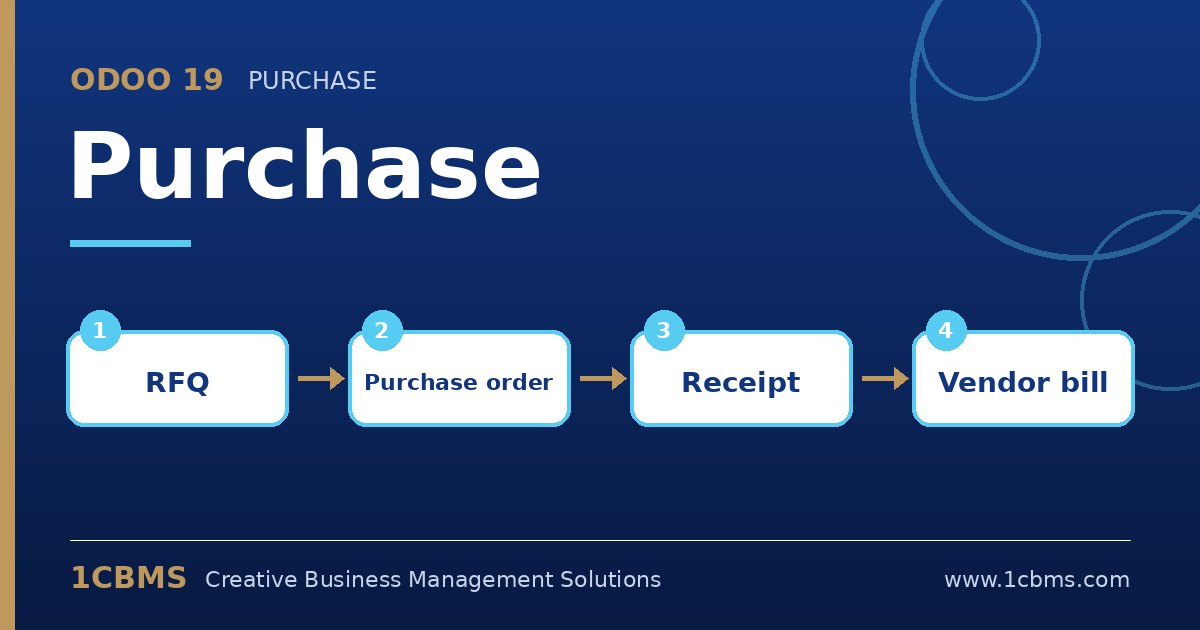
Odoo 19 Purchase workflow: RFQ, purchase order, receipt, vendor bill

We are a contracting company in Basra. Our site engineers create requests for quotation in Odoo, but the general manager wants to approve every purchase order above a certain amount before it is sent to the vendor.

Is there a built-in way to do this in Odoo 19, and can we have different approvers depending on the amount, for example a procurement manager first and then the general manager?

Avatar
Discard
Author Best Answer

Odoo 19 Purchase has a built-in single-level approval based on amount. For several levels, you can add the Approvals app or Studio rules on top of it.

  • Go to Purchase, Configuration, Settings and enable Purchase Order Approval, then enter the minimum amount that requires approval.
  • Give the general manager the Purchase Administrator access right, because only administrators can approve orders above the limit.
  • Keep engineers as Purchase Users so that, when they confirm an order above the limit, it moves to the To Approve state instead of being confirmed.
  • For a second level, use the Approvals app with an approval category linked to purchases, or ask your partner to add a Studio approval rule on the confirm button with different approvers by amount.
  • Test with orders below and above the threshold and check the chatter history.

This gives you control without slowing down small purchases, and every approval is recorded on the order.

Avatar
Discard
Related Posts Replies Views Activity
1
Oct 26
73
1
Oct 26
43
1
Oct 26
72
1
Oct 26
81
1
Oct 26
98