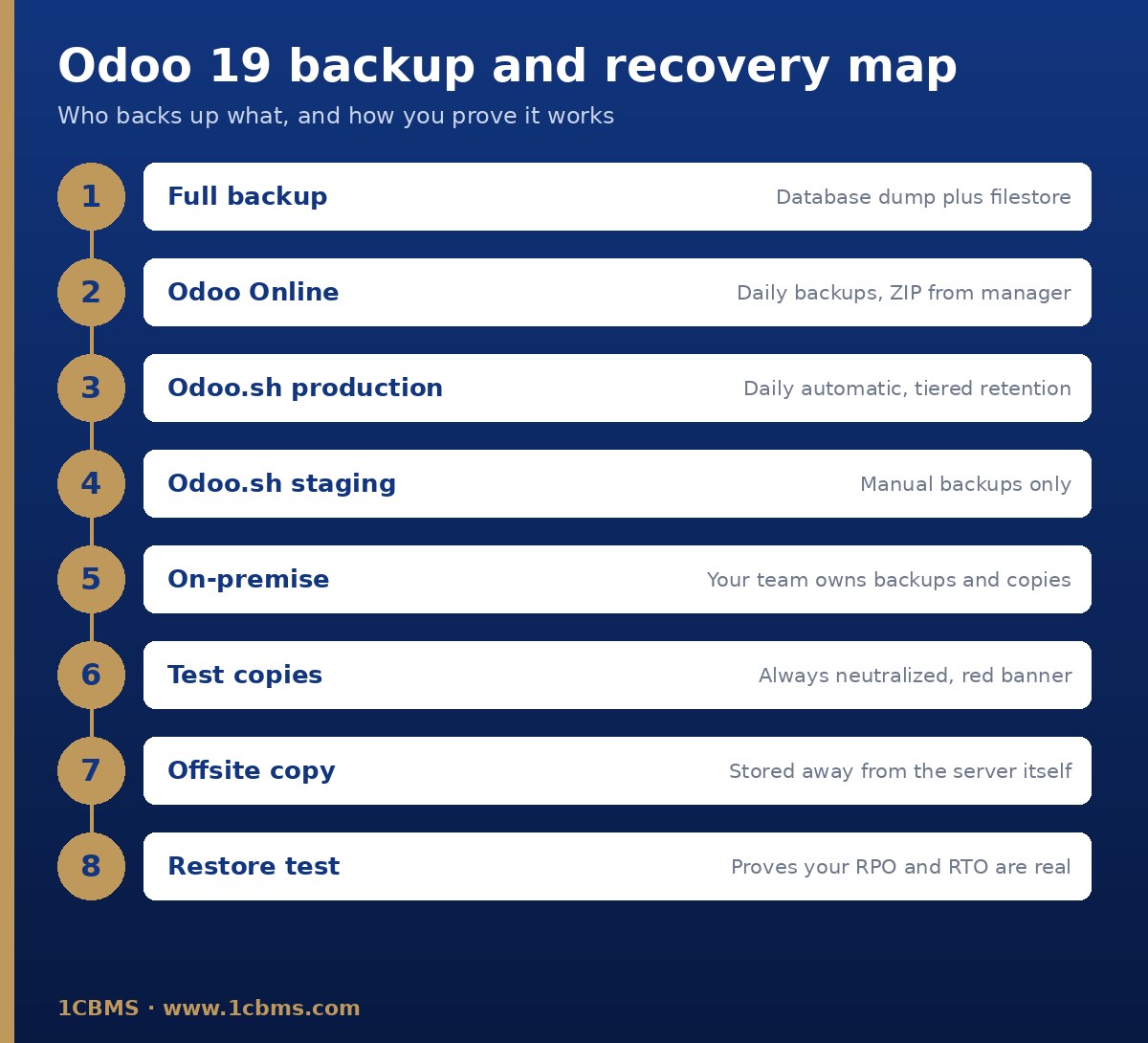
The answer depends on where your database is hosted, but the principles are the same everywhere: a full backup needs both the database dump and the filestore, and a backup only counts once you have restored it successfully.
Check your hosting type
- Odoo Online: databases are backed up daily under the Odoo Cloud Hosting SLA, and you can download a ZIP backup from the database manager.
- Odoo.sh: production is backed up daily, with seven daily, four weekly and three monthly backups kept; staging only has manual backups, which last three days.
- On-premise or Community: nothing happens automatically, so schedule daily backups of the database and filestore and copy them to a remote server the Odoo server itself cannot access.
Keep your own copy
Even on hosted platforms, periodically download a full backup and store it in a separate, secured location. Before upgrades or large imports, take a manual backup.
Test on a neutralized copy
Use a duplicate on Odoo Online with the For testing purposes option, or restore production into a staging branch on Odoo.sh. These copies are neutralized: scheduled actions, outgoing emails, payment providers, delivery methods and bank synchronization are disabled, and a red banner shows you are not in production.
Prove it works
Restore a backup into a test environment on a regular schedule, check logins, recent records and attachments, and time the process. Agree with management how much data you can afford to lose (RPO) and how long you can be down (RTO), then confirm your setup meets those targets.