
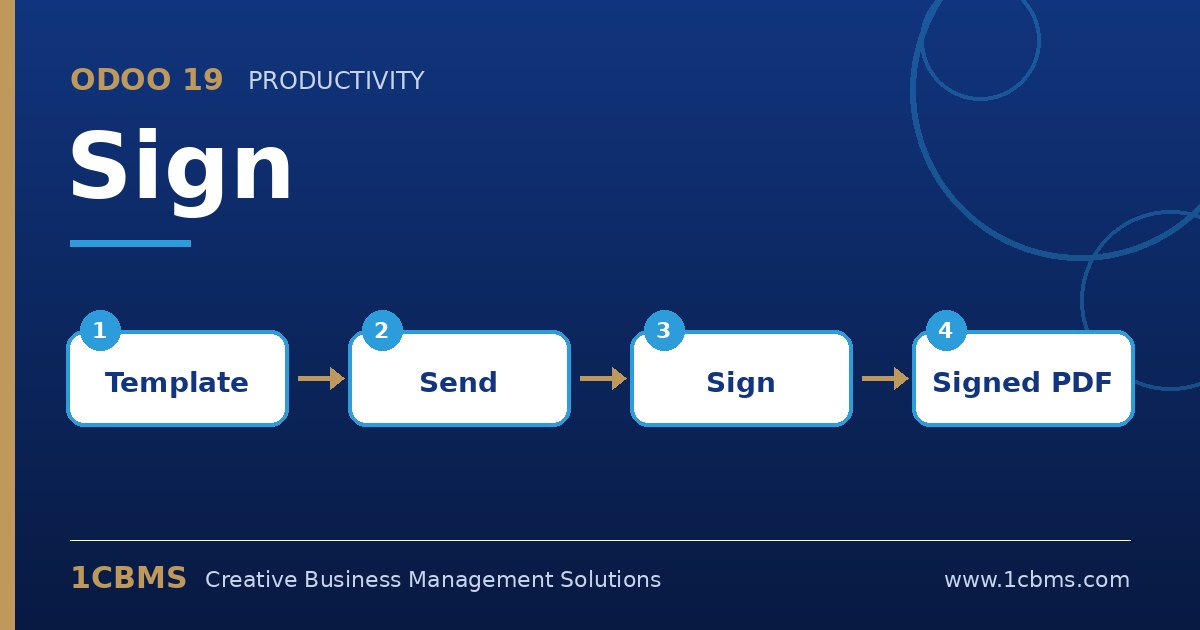
Odoo 19 Sign (Enterprise) lets you send documents for electronic signature and track who signed and when. HR teams use it for contracts, sales teams for quotations and agreements, and purchasing for supplier documents. Here are the questions we hear most.
The most asked Sign topics
- Templates: upload a PDF once, place fields such as signature, initials, date and text, then reuse it for every new signer.
- Roles and multiple signers: define roles like Employee and Manager, assign fields to each role and send to several people.
- Signing order: choose whether signers sign in sequence or at the same time.
- Extra verification: require additional authentication for a role, for example an SMS code, before signing.
- Completed documents and audit trail: once everyone signs, all parties receive the final PDF along with a certificate showing the signing history.
Practical setup tips
- Build templates for your most-used documents first, such as employment contracts and NDAs, and tag them so they are easy to find.
- Use auto-filled fields like name, email or company where possible to reduce errors.
- Set reminders and a validity period on sent requests so unsigned documents do not stay open forever.
- Check with your legal advisor which documents can be signed electronically in your country and which still require wet signatures or official stamps.
Electronic signatures speed up approvals and reduce printing and courier costs. 1CBMS can help build your Sign templates, connect them to HR, Sales or Documents in Odoo 19 and train your team.