
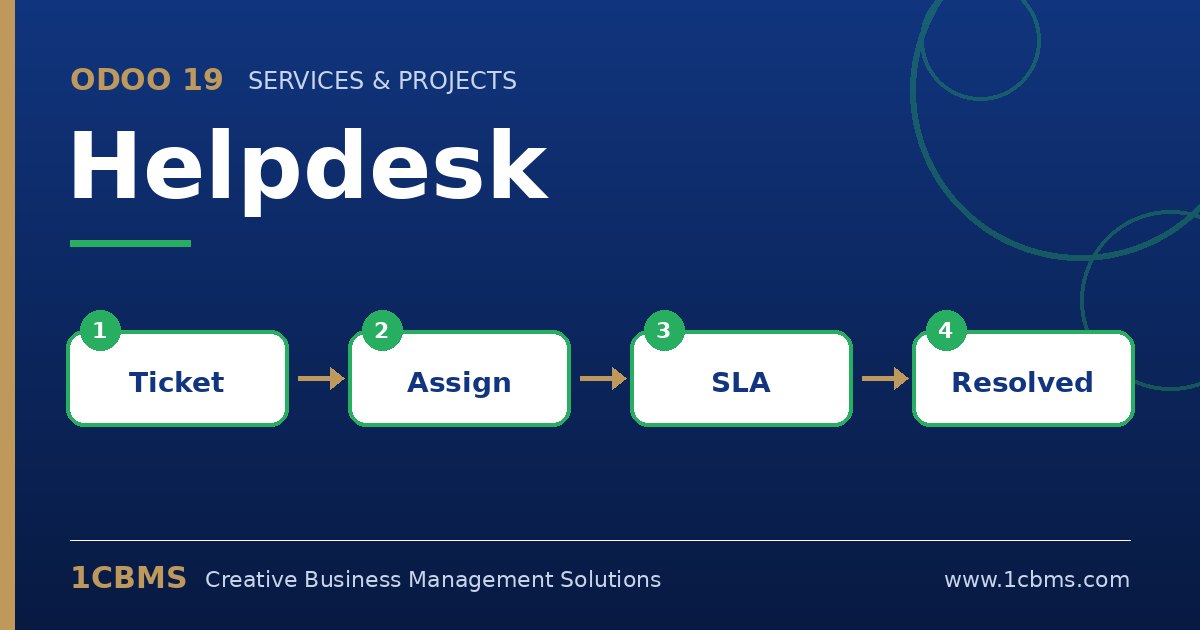
Support requests arrive by email, phone, chat and social media, and without a single system some of them are always forgotten. The Odoo 19 Helpdesk app, part of Odoo Enterprise, collects tickets from several channels into teams, tracks response and resolution targets and connects support to sales, invoicing and stock.
The most asked questions about Odoo 19 Helpdesk
- Channels: tickets can be created from an email alias, a website form, live chat and other sources depending on the team settings.
- Assignment: each team can assign tickets automatically to members, balancing the number of open tickets or rotating between agents.
- SLA policies: targets for reaching a stage within a given time can be defined by priority, ticket type, tags or customer.
- Customer ratings: customers can rate the service when a ticket is closed, giving managers a clear view of satisfaction.
- After-sales: from a ticket, agents can trigger refunds, returns, repairs or coupons, and log timesheets when support is billable.
Practical setup tips
- Create separate teams for clearly different types of support, each with its own email alias and stages.
- Keep the number of stages small and make sure each one has a clear meaning for SLA tracking.
- Start with a few realistic SLA policies and tighten them once you have baseline data.
- Build canned responses for common questions to keep answers consistent.
Good support depends on clear processes as much as on tools. 1CBMS can help you design your support model, configure Odoo 19 Helpdesk and train your agents and team leaders.