
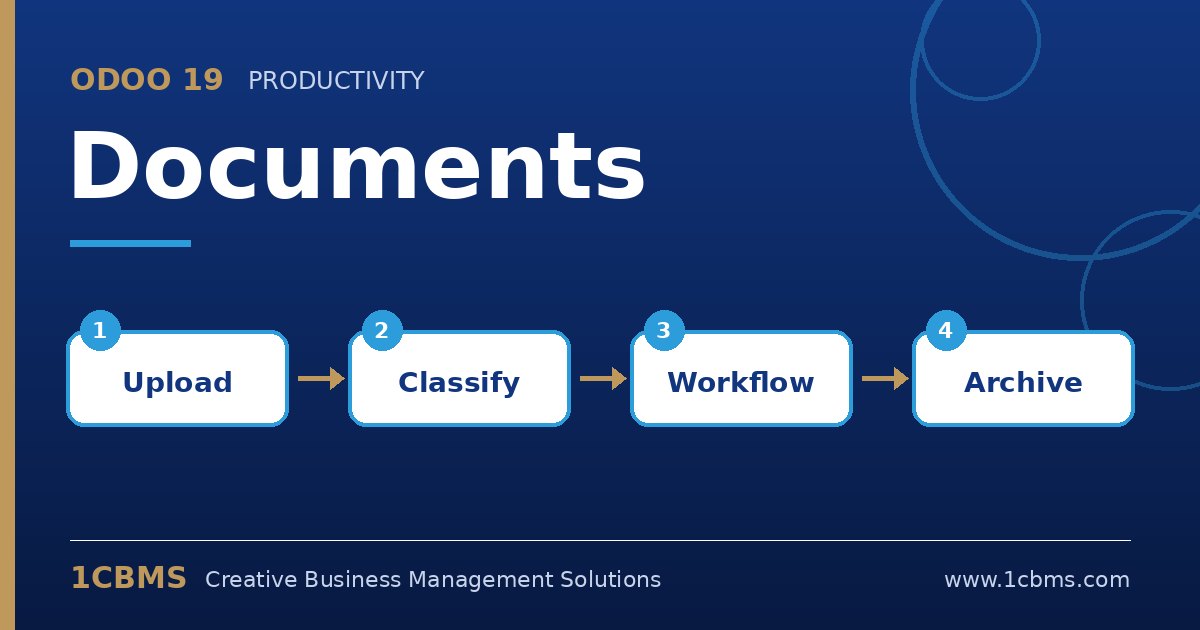
Odoo 19 Documents (Enterprise) is a central document management system connected to the rest of your apps. Instead of shared drives full of loose PDFs, files are organised, tagged and linked to records. These are the topics users ask about most.
The most asked Documents topics
- Folders and access: organise files in folders with their own access rights, so finance, HR and operations each see what they need.
- Tags: classify files by status or type, for example To validate or Contracts, and filter them quickly.
- Email to folder: send scanned files to a folder email alias so they arrive in Documents automatically.
- Actions on files: process a file into another record, such as a vendor bill in Accounting or an expense, directly from Documents.
- Sharing and requests: share a file or folder through a link, and request missing documents from employees or partners.
Practical setup tips
- Enable the Documents integrations per app in the Settings, for example Accounting, Human Resources or Sign, so related attachments are centralised in the right folders.
- Keep a small, consistent tag set rather than many overlapping tags.
- Use the split tool to separate multi-page scans into individual documents before processing them.
- Combine with bill digitization in Accounting so data from scanned bills is extracted automatically.
Organised documents save time at month-end and during audits. 1CBMS can help design your folder structure, access and automations in Odoo 19 Documents and train staff to use them consistently.