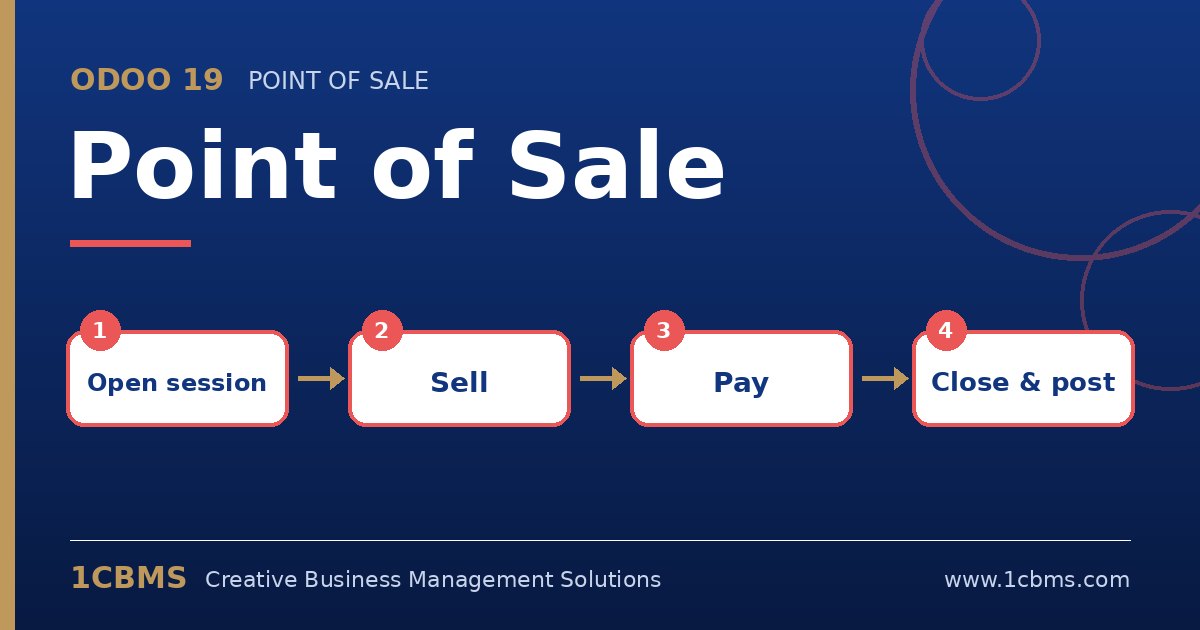
Odoo 19 POS has built-in cash control. The cashier counts the drawer at closing, Odoo compares it with the expected amount and posts any difference to the accounts set on the cash payment method's journal.
- In the POS settings for each shop, make sure the cash payment method is linked to a cash journal and that cash control is used at opening and closing.
- At closing, the cashier clicks Close Register, enters the counted cash, using the coin and note counter if helpful, and reviews the totals for other payment methods.
- If there is a difference, Odoo shows it and asks for confirmation; add a note explaining it.
- On the cash journal, check the profit and loss accounts used for cash differences.
- The accountant can review closed sessions from Point of Sale > Orders > Sessions and open the related journal entries.
Review differences weekly per cashier. Small random amounts are normal, but repeated shortages in one shop deserve a closer look.