Skip to Content

Welcome!

Share and discuss the best content and new marketing ideas, build your professional profile and become a better marketer together.

Sign up

This question has been flagged
1 Reply
34 Views

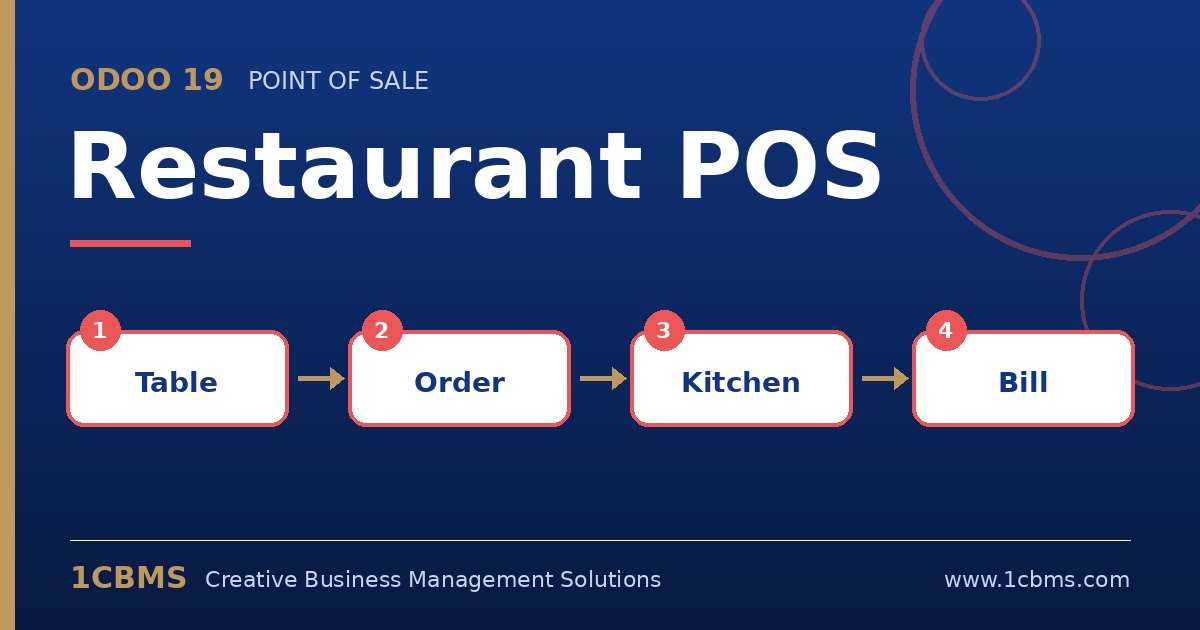
Odoo 19 Restaurant POS: floor plan, table order, kitchen display and split bill

We have a burger restaurant with a separate drinks bar in Amman. Kitchen tickets are often lost or splashed, and the cooks cannot see how long each order has been waiting.

We are on Odoo 19 Enterprise. Can orders go to a screen in the kitchen and another in the bar, each showing only their own items, and can staff mark them as ready?

Avatar
Discard
Author Best Answer

Yes. Odoo 19 Enterprise includes a kitchen display for Point of Sale. Each display can be limited to specific product categories, so the kitchen and the bar see only their own items.

  • Install the kitchen display feature from the Apps menu or the POS settings.
  • Create a display for the kitchen and another for the bar, linking each to your restaurant POS.
  • On each display, select the product categories it should receive, such as burgers and sides for the kitchen and drinks for the bar.
  • Review the stages the display uses so cooks can move orders through preparation to ready.
  • Open each display on a tablet or screen in the right station and send a test order from the POS.

Orders now appear the moment the waiter sends them, with waiting time visible, and you can keep one printer as a backup if you wish.

Avatar
Discard
Related Posts Replies Views Activity
1
Oct 26
33
1
Oct 26
52
1
Oct 26
18
1
Oct 26
51
1
Oct 26
54