Skip to Content

Welcome!

Share and discuss the best content and new marketing ideas, build your professional profile and become a better marketer together.

Sign up

This question has been flagged
1 Reply
72 Views

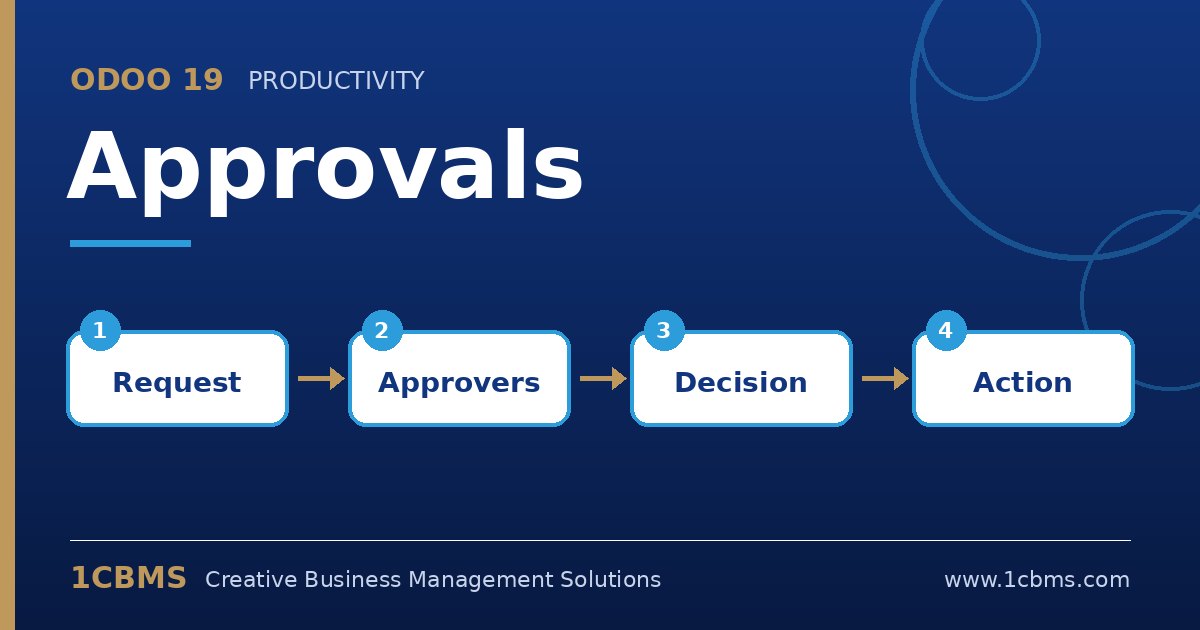
Odoo 19 Approvals request with approvers, minimum approval and status

Our hotel in Baghdad wants department heads to request items such as linen or spare parts, get the general manager's approval, and then let purchasing handle suppliers.

Today requests come by WhatsApp and the purchasing officer re-types everything. Can Odoo 19 Approvals create the purchase documents once a request is approved?

Avatar
Discard
Author Best Answer

Yes. Approvals has a purchase-oriented approval type that connects to the Purchase app.

  • Make sure Purchase is installed; then in Approvals > Configuration > Approval Types, create or open a type and set its approval type to create RFQs.
  • Set Products to required so requesters must list items and quantities, and add the general manager as a required approver.
  • Define the minimum number of approvals and, if needed, an approval sequence with the department head first.
  • Department heads create requests from the Approvals dashboard; after approval, the requester or purchasing uses the button to create RFQs, grouped by the vendor set on each product.
  • Purchasing then completes prices and sends the RFQs from the Purchase app as usual.

Set vendors on product purchase tabs in advance, otherwise Odoo cannot know which supplier to address the RFQ to.

Avatar
Discard
Related Posts Replies Views Activity
1
Oct 26
83
1
Oct 26
78
1
Oct 26
81
1
Oct 26
79
1
Oct 26
90