
Odoo 19 VoIP (Enterprise) turns the browser and the mobile app into a softphone connected to your contacts, CRM and helpdesk. Sales and support teams love click-to-call, but setup raises several questions.
The most asked VoIP topics
- Provider choice: Odoo VoIP works with SIP providers that support WebRTC over a secure WebSocket connection, and Odoo documents setups such as Axivox and Asterisk-based PBXs.
- User configuration: each user needs their own extension or SIP credentials entered in their user preferences.
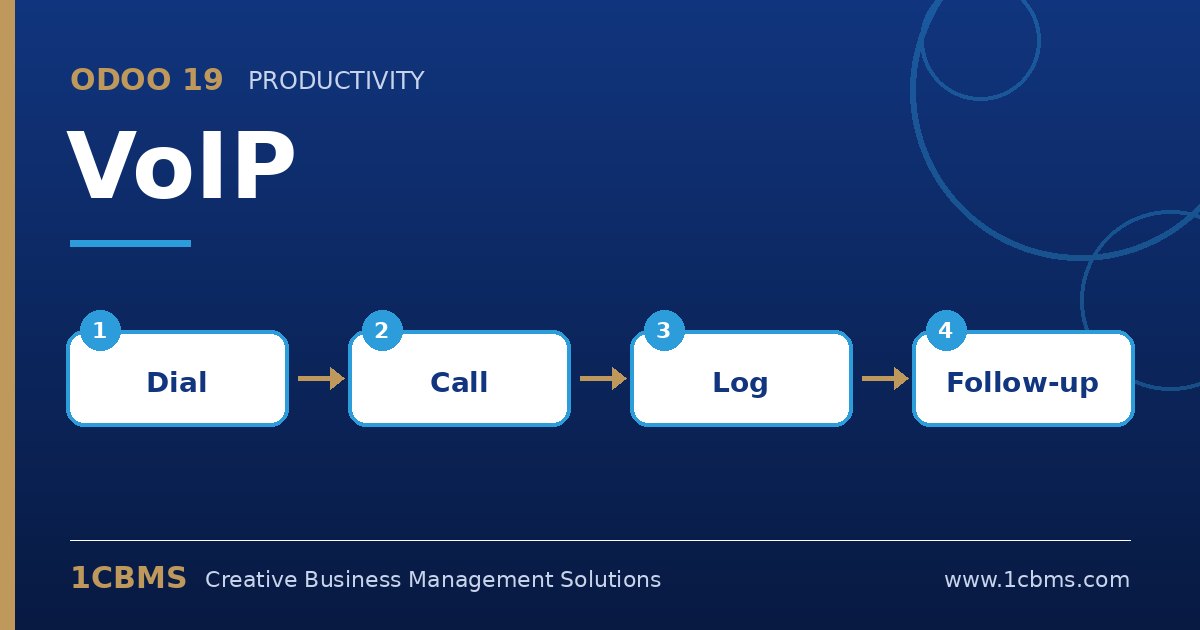
- Click-to-call: call any phone number on a contact, lead or ticket with one click from the record.
- Call history and activities: calls are logged and you can plan follow-up call activities in the softphone queue.
- Transfers and incoming calls: transfer calls to colleagues and see who is calling when the number matches a contact.
Practical setup tips
- Confirm with your telecom provider or PBX administrator that WebRTC and secure WebSocket are supported before buying numbers.
- Enter the PBX server domain and WebSocket address in the VoIP settings, then test with a single user first.
- Check local regulations on call recording and number formats, and store phone numbers in international format for reliable matching.
- Use headsets and a stable internet connection, since call quality depends on network conditions.
Integrated calling saves time switching between tools and keeps every conversation on record. 1CBMS can help connect your PBX to Odoo 19 VoIP, test it with your team and train agents.