
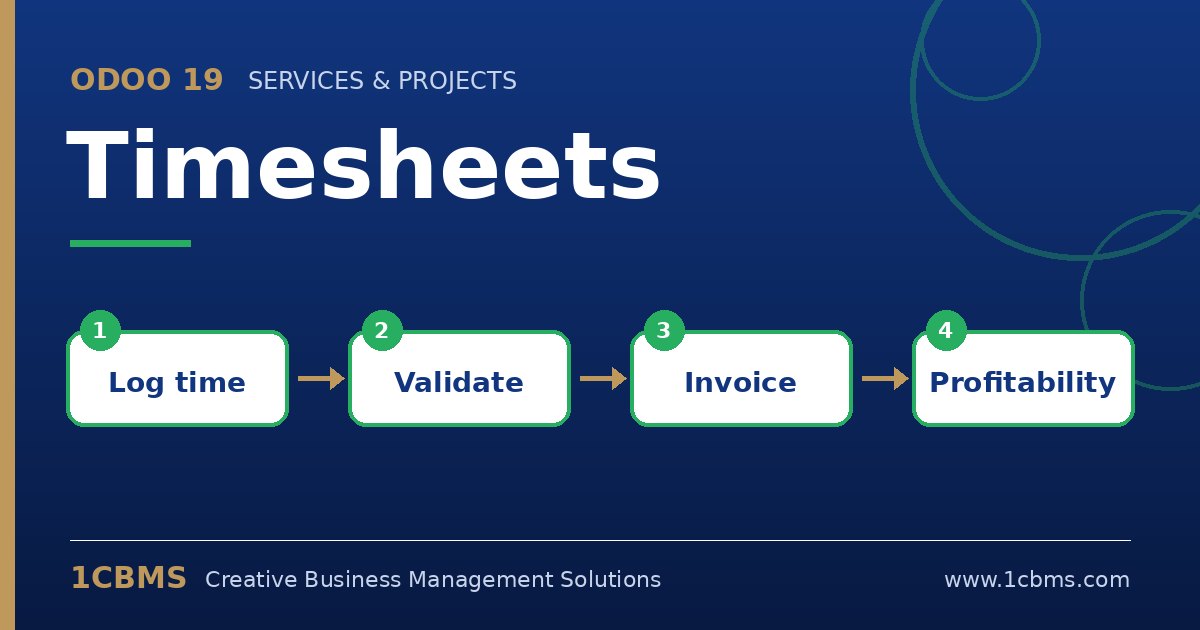
For service companies, time is the product. If hours are not recorded, they cannot be analysed or invoiced. The Odoo 19 Timesheets app records time against projects and tasks and links it to employees, costs and sales orders, so you know how much work went into each job and what can be billed.
The most asked questions about Odoo 19 Timesheets
- Recording time: employees can log time in a list, from the task form, or with a timer; the grid view for weekly entry is available in Enterprise.
- Units: time can be encoded in hours or days, depending on the company setting.
- Validation: in Enterprise, managers can validate timesheets so approved hours are locked before invoicing.
- Reminders: Odoo can send reminders to employees and managers who have not recorded or validated their time.
- Invoicing: service products can be invoiced based on the timesheets recorded on the related project or task.
Practical setup tips
- Agree on the minimum level of detail for descriptions so customers can understand invoiced hours.
- Set an hourly cost on each employee so project profitability reports are meaningful.
- Enable reminders and validation only after the team is used to recording time daily.
- Review unvalidated or unbilled hours before each invoicing run.
Accurate timesheets depend on simple rules and consistent habits. 1CBMS can help you configure Odoo 19 Timesheets with Sales and Project and train your team to record time correctly.