
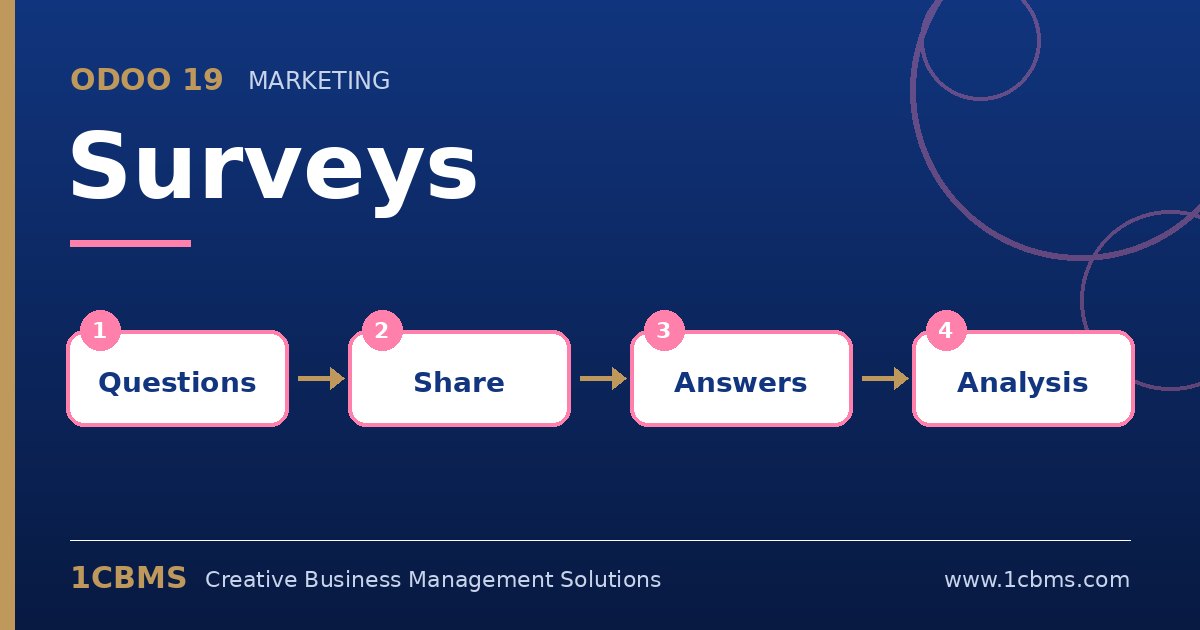
Customer satisfaction, employee feedback, training assessments and event polls all need a simple way to collect answers and read the results. The Odoo 19 Surveys app lets you build forms with many question types, share them by link or invitation and analyse the answers directly in Odoo.
The most asked questions about Odoo 19 Surveys
- Question types: you can use single or multiple choice, text, numeric, date, matrix and other question types, grouped into sections.
- Conditional questions: a question can be displayed only when a specific answer was given to an earlier question.
- Scoring and certification: answers can be scored, a passing percentage set, and a certificate issued to participants who pass.
- Live sessions: a survey can be run live, with participants answering on their phones while results appear on the presenter's screen.
- Access and limits: surveys can be open to anyone with the link or restricted to invited people, with options such as time limits and limited attempts.
Practical setup tips
- Keep surveys short and use sections so participants see their progress.
- Test conditional logic with several answer paths before sharing the survey.
- Decide whether you need participants to log in; anonymous surveys are simpler, while invitations give better tracking.
- Use the results view filters to compare answers by group or by question.
Surveys also connect to other Odoo apps such as Appraisals, Recruitment and eLearning. 1CBMS can help you design useful surveys and configure them in Odoo 19 as part of your wider processes.