
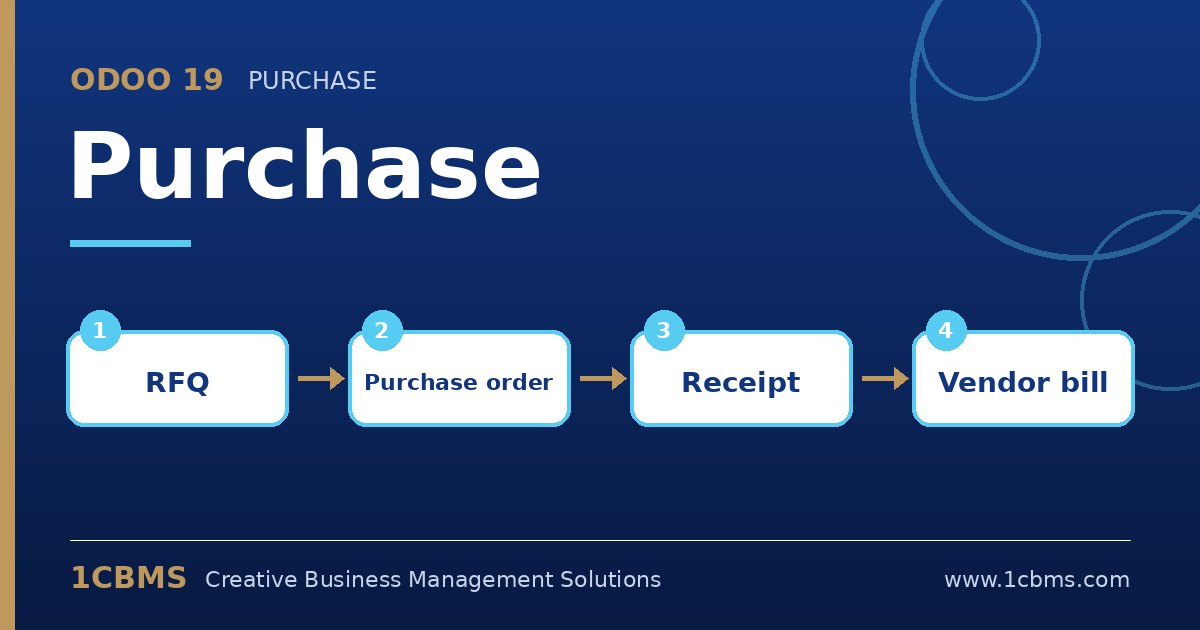
Odoo 19 Purchase manages the full buying cycle, from the request for quotation to the confirmed purchase order, the receipt and the vendor bill. Because it shares data with Inventory and Accounting, buyers, storekeepers and accountants all work from the same document. Here are the questions purchasing teams ask most.
The most asked Purchase topics
- Vendor pricelists: each product can list several vendors with prices, minimum quantities and lead times, and Odoo proposes the best match.
- Order approval: a setting requires a manager to approve purchase orders above a chosen amount before they are confirmed.
- Purchase agreements: blanket orders fix prices for a period, while alternative RFQs let you compare several vendors for the same need.
- Bill control: the control policy decides whether vendors are billed on ordered or received quantities, which supports three-way matching.
- Vendor performance: reports show on-time delivery and pricing history, helping buyers negotiate.
Practical setup tips
- Load vendor prices and lead times early, because reordering rules and scheduled dates depend on them.
- Use billing on received quantities for physical goods to avoid paying for items that never arrived.
- Define approval amounts together with finance and keep them in your company currency.
A well-configured Purchase app saves money and removes disputes with vendors. If you want this configured around your real processes, the 1CBMS team in Egypt and Iraq can set up your purchasing workflow and approvals for your company and train your users so the app is used correctly from day one.