
Odoo 19 Discuss is the built-in messaging app available in every Odoo database. It connects people with each other and with records such as sales orders and tasks, which is why teams quickly adopt it. Here are the questions users ask most once it goes live.
The most asked Discuss topics
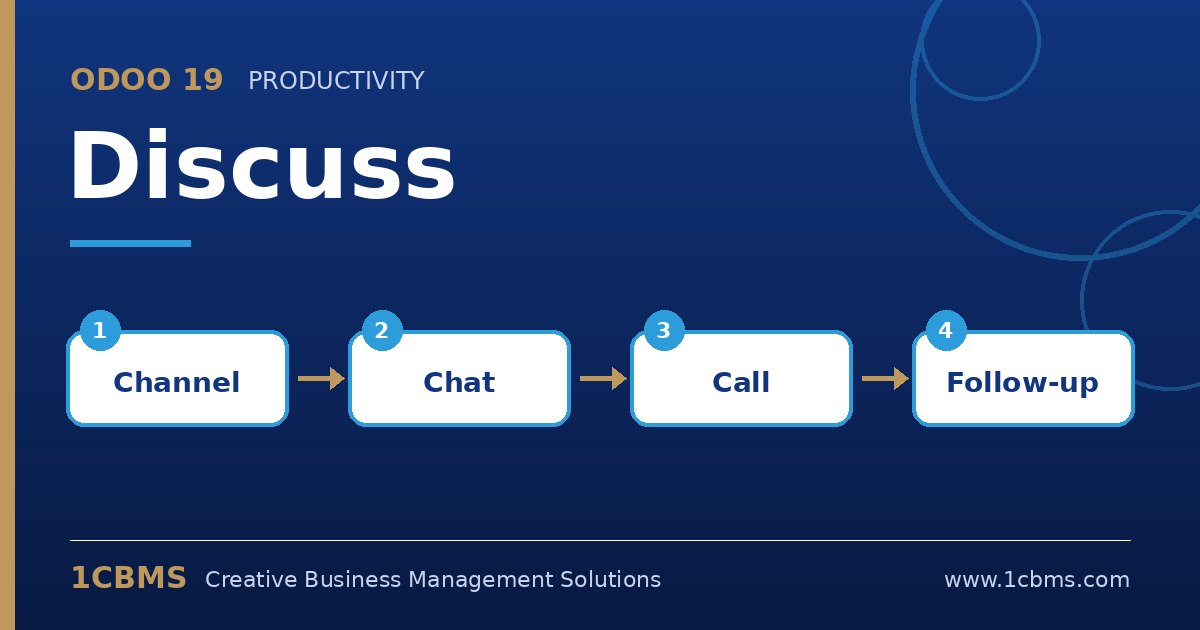
- Channels and direct messages: create public or invite-only channels for teams and projects, and use direct messages for one-to-one or small group chats.
- Mentions: type the at sign to notify a colleague and the hash sign to reference a channel so the right people see the message.
- Chatter on records: messages and log notes on documents keep business discussion attached to the record instead of lost in chat.
- Notification preferences: each user chooses whether to receive notifications by email or inside Odoo.
- Calls and meetings: start audio or video calls with screen sharing directly from a channel or conversation.
Practical setup tips
- Ask users to set their notification preference to Handle in Odoo to avoid duplicate emails, and install the mobile app for push notifications.
- Agree a channel naming convention, for example by department or branch, so people can find the right place to post.
- Use log notes for internal comments on customer records so nothing is accidentally sent to the customer.
Good chat habits make Discuss a real productivity tool rather than another noisy inbox. 1CBMS can help organise channels and permissions and train your teams to communicate effectively inside Odoo 19.