
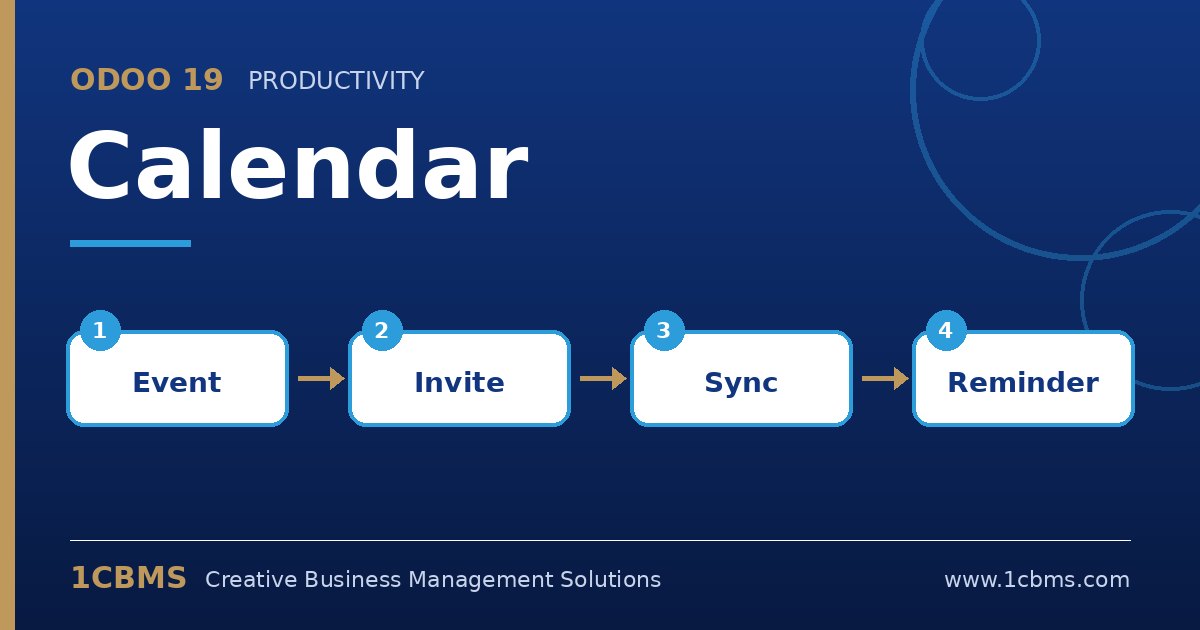
Odoo 19 Calendar is available in every database and connects meetings with CRM, Appointments, activities and employees. Most questions users ask are about keeping it in line with the calendars they already use and making meetings easy to organise.
The most asked Calendar topics
- Google and Outlook synchronisation: two-way sync keeps events aligned between Odoo and the user's external calendar.
- Invitations and attendees: invite internal users and contacts, who receive emails and can accept or decline.
- Recurring events: create daily, weekly or monthly meetings with flexible end rules.
- Reminders: add email, notification or SMS alarms before an event.
- Videoconference: add an Odoo Discuss meeting link to an event so attendees can join from the browser.
Practical setup tips
- An administrator must first configure the Google or Microsoft integration credentials in the general Settings before users can connect their accounts.
- Each user then connects their own calendar from the Calendar app and should check that time zones match in Odoo and the external calendar.
- Schedule meetings from CRM opportunities or contacts so they appear in the chatter history of the record.
- Use the attendee filters to view colleagues' calendars side by side when planning team meetings.
A synchronised calendar avoids double bookings and missed meetings. 1CBMS can help configure Google or Microsoft synchronisation in Odoo 19 and train your team on meetings and activities.