
Odoo 19 Appointments (Enterprise) lets customers book meetings, consultations or services online without back-and-forth messages. Clinics, salons, consultancies and showrooms all ask similar questions when they start, and these are the ones we hear most.
The most asked Appointments topics
- Appointment types: each type defines duration, scheduling window, minimum notice and who can be booked.
- Users or resources: you can book staff members, or book resources such as rooms or tables with capacity management.
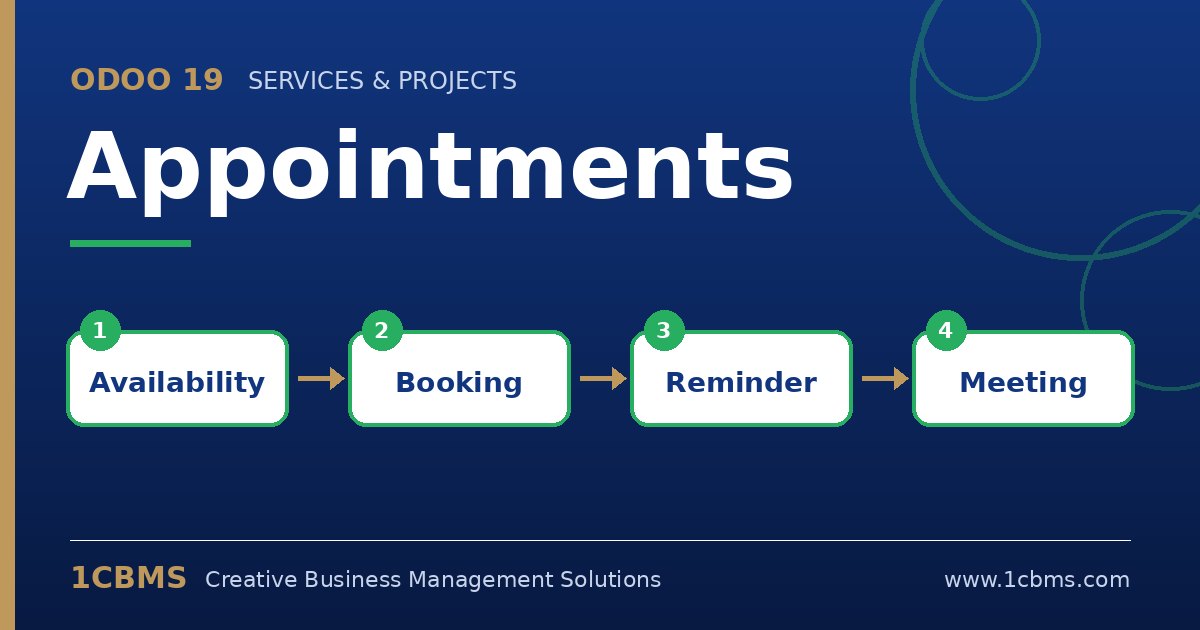
- Availability: slots respect each person's working hours and existing calendar events, so double bookings are avoided.
- Questions and reminders: add custom questions to the booking form and send email or SMS reminders before the appointment.
- Online payment: an appointment type can require payment at booking time through a configured payment provider.
Practical setup tips
- Sync staff calendars with Google or Outlook first, so personal busy times block slots automatically.
- Set a realistic minimum scheduling notice and maximum window to prevent same-minute bookings and far-future no-shows.
- Publish the booking page on your Odoo website or share the direct link in emails, WhatsApp messages and social media.
- Use the CRM option to create an opportunity from each booking if appointments feed your sales pipeline.
A well-designed booking flow saves front-office time and gives customers a professional first impression. 1CBMS can help set up appointment types, resources and payments in Odoo 19 and train your team to manage bookings day to day.