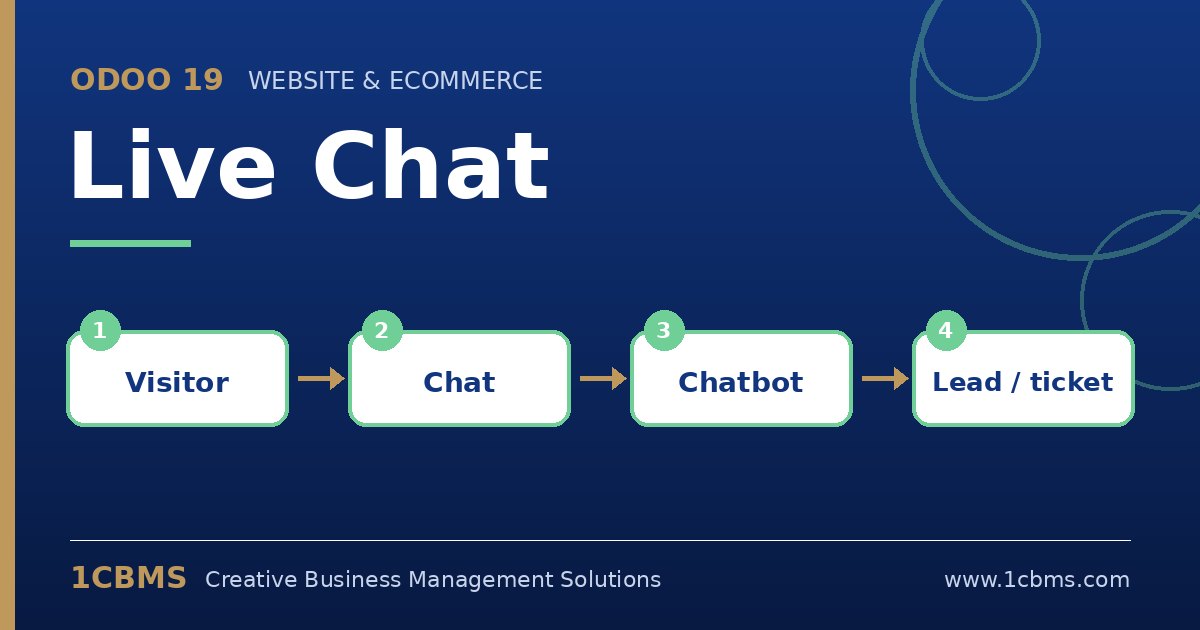
Yes, this is a standard Odoo 19 feature. Live Chat chatbots support a step type that creates a lead, as long as the CRM app is installed. The answers collected earlier in the script are stored in the lead and the conversation transcript stays attached.
- In Live Chat, open Configuration and then Chatbots, and create a new chatbot script.
- Add question steps for the visitor's name, phone or email, and a selection step listing your projects.
- Add a final step of type Create Lead and choose the sales team that should receive it.
- Open your Live Chat channel, go to its channel rules, select the chatbot and set it to run when no operator is available, or always if you prefer.
- Test it from a private browser window and confirm the lead appears in the CRM pipeline with the chat history.
Once this works, you can assign leads automatically by team and schedule a follow-up activity, so your sales team starts each morning with a clear call list.