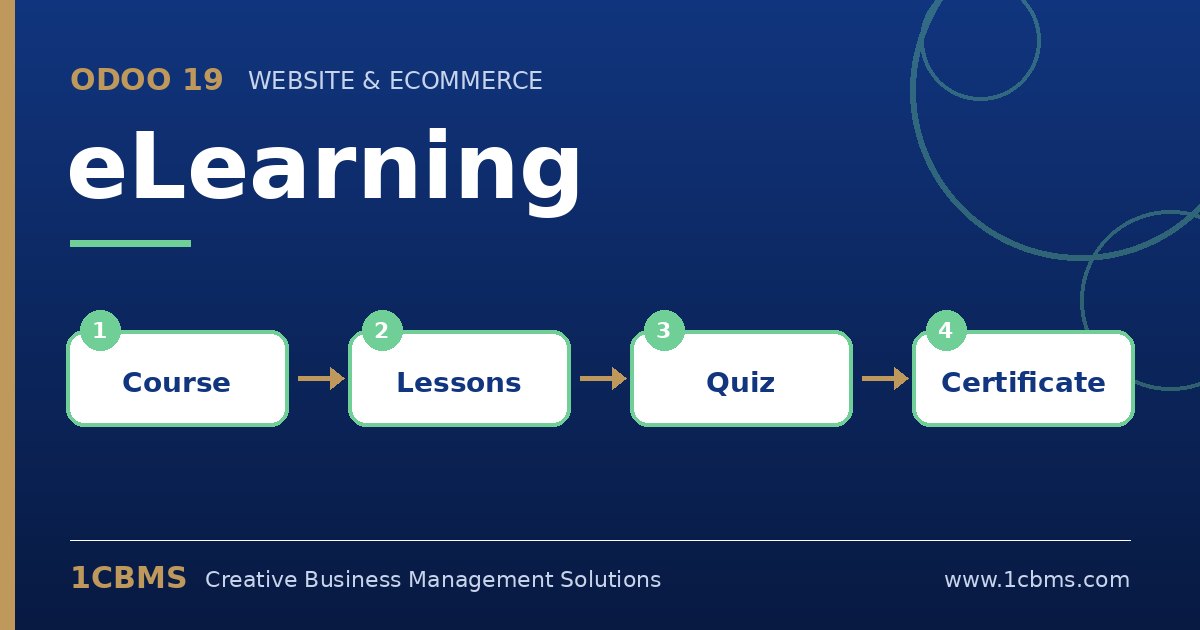
Odoo 19 handles this by combining eLearning with the Surveys app. A certification is a special survey with a required score, and it can be added to a course as a lesson. When the learner reaches the passing percentage, Odoo marks the course as completed and makes the certificate available for download.
- Make sure the Surveys app is installed and enable certifications in the eLearning settings if they are not already active.
- In Surveys, create a new survey, mark it as a certification, add your questions with correct answers, and set the required score.
- Choose a certificate template and, if needed, the option to send the certificate by email on success.
- Open your course, add a new content item of type certification, and select the survey you created.
- Use the survey's participations view to see each attempt, the score and whether the learner passed.
You can also limit the number of attempts, which is useful for formal safety exams.