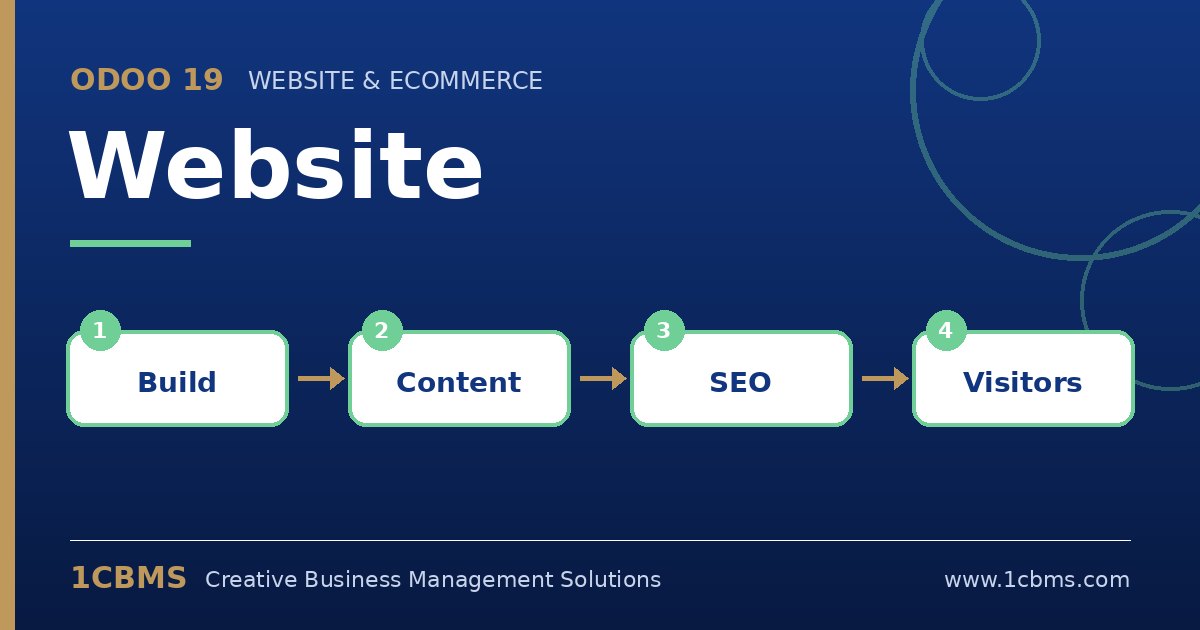
Odoo 19 Website supports multiple languages out of the box. You add the language, translate the content and then set SEO metadata while viewing each language.
- Go to the website settings, add Arabic to the website languages and choose the default language.
- A language selector can be shown in the header or footer so visitors can switch between versions.
- Open a page, switch to Arabic and use the translate mode to replace each text block; the layout adapts to right-to-left automatically.
- While still in the Arabic version, open the optimize SEO tool and enter the Arabic title, description and keywords for that page.
- Repeat for each important page, menu item and product description, then check the result in a private browser window.
Translate the most visited pages first, such as the home page and product categories, and expand from there.