Skip to Content

Welcome!

Share and discuss the best content and new marketing ideas, build your professional profile and become a better marketer together.

Sign up

This question has been flagged
1 Reply
27 Views

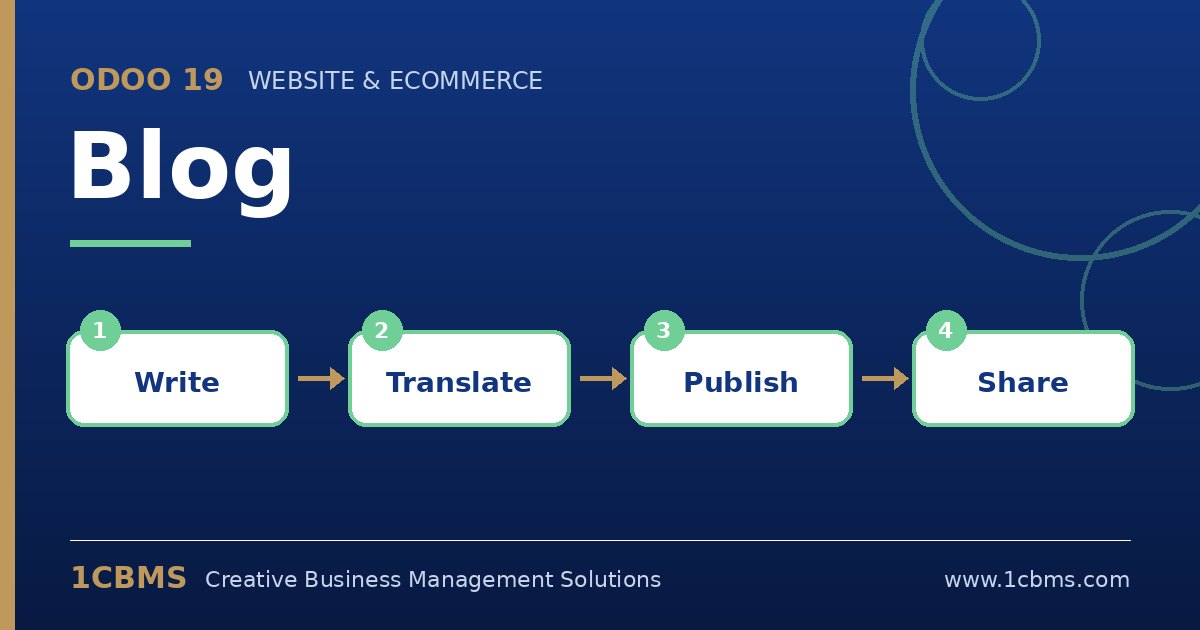
Odoo 19 Blog editor: writing a post, cover image, tags, SEO and publishing

I handle marketing for a logistics company in Sharjah. I like to write four or five posts at the start of each month and release one every week, but in Odoo 19 I can only see a publish toggle on the post.

Is there a way to schedule a post for a future date, and to make sure each one has proper SEO details before it goes live?

Avatar
Discard
Author Best Answer

Odoo 19 Blog uses a published date on each post along with the publication status. You can prepare posts in draft, check them and control when they appear.

  • Create the posts from the website editor and keep them unpublished while you write and review them.
  • In the backend list of blog posts in the Website app, open each post and set the published date you want for each post.
  • Before publishing, open the optimize SEO tool on each post and fill in the title, description and social sharing image.
  • Add tags and a cover image so the post looks complete in listings.
  • Test with one post first and check in a private browser window that it appears on the right date.

If you need guaranteed timing for campaigns, a simple scheduled action or a weekly reminder activity in Odoo can support the routine.

Avatar
Discard
Related Posts Replies Views Activity
1
Oct 26
27
1
Oct 26
29
1
Oct 26
32
1
Oct 26
30
1
Oct 26
29