
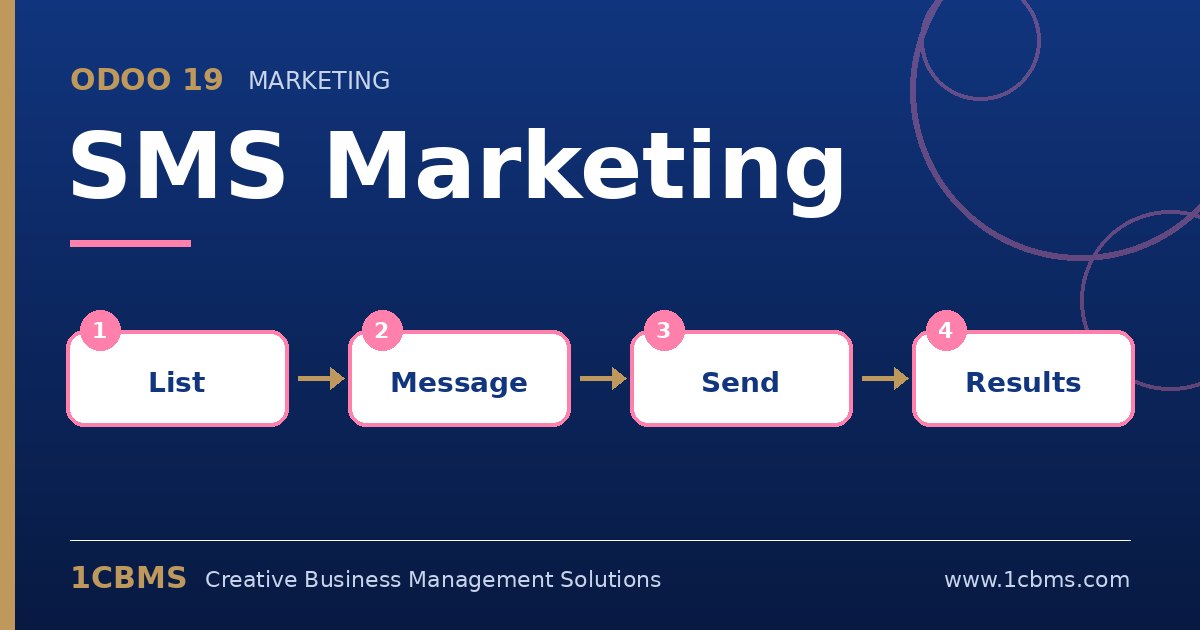
SMS reaches customers who rarely open emails, which makes it useful for promotions, reminders and urgent announcements. The Odoo 19 SMS Marketing app lets you send campaigns to mailing lists or any filtered Odoo records and follow the results, with sending handled through Odoo's In-App Purchase SMS credits.
The most asked questions about Odoo 19 SMS Marketing
- Credits: SMS are sent through Odoo's SMS service and consume prepaid credits, so you need to buy credits before sending.
- Message length: the composer shows the character count and how many SMS units the message will use, which matters for Arabic text.
- Recipients: you can target mailing lists, contacts, leads or other records that have a mobile number, using Odoo filters.
- Opt-out: recipients can be blacklisted for SMS, and an opt-out link can be included so customers can stop receiving messages.
- Link tracking: links in the message are shortened and tracked, so you can see clicks per campaign.
Practical setup tips
- Store phone numbers in international format with the country code; it avoids failed deliveries.
- Keep Arabic messages short and test them on a real phone before sending to the full list.
- Schedule sends for reasonable hours in the recipient's time zone.
- Check local rules on promotional messaging in each country you target and respect opt-out requests promptly.
SMS is powerful when it is used sparingly and with a clear purpose. 1CBMS can help you prepare your contact data, configure Odoo 19 SMS Marketing and design a sending policy that fits your market.