
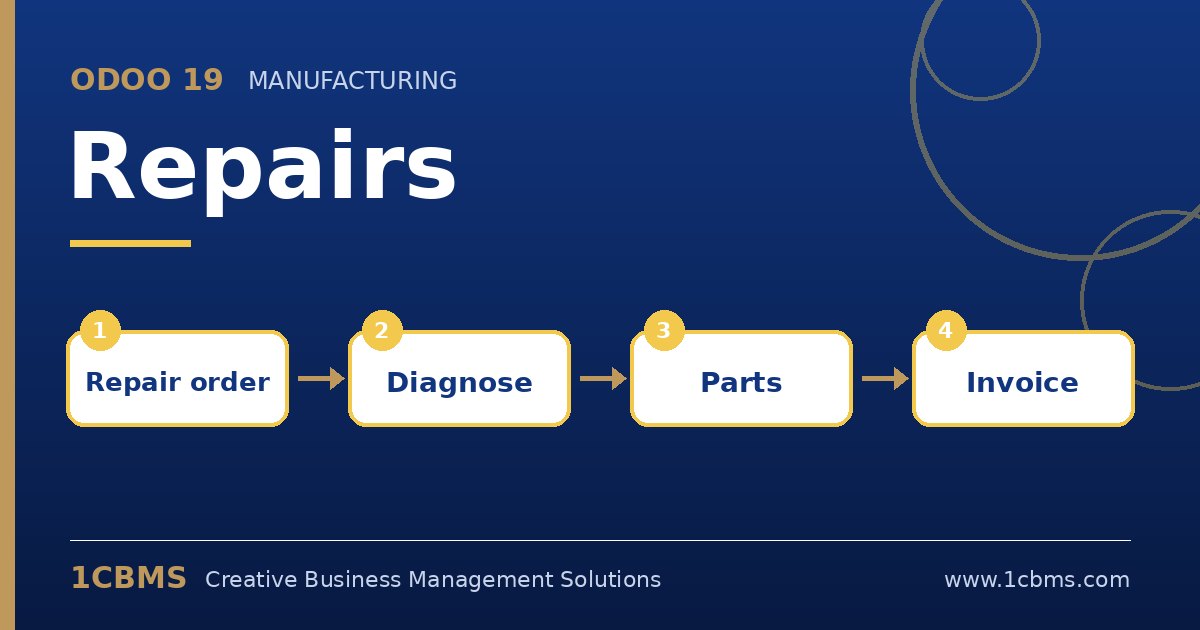
Odoo 19 Repairs is designed for after-sales service centers and workshops that fix products for customers or for internal use. Each repair order records the product, the customer, the parts used and the result, and it updates inventory and invoicing automatically. These are the most common questions we receive.
The most asked Repairs topics
- Repair orders: a repair order tracks the product, customer, responsible technician and status from draft to repaired.
- Parts: technicians add parts to consume, parts removed from the product, or parts to recycle, each with correct stock moves.
- Warranty: a repair can be marked under warranty so the customer is not charged.
- Invoicing: a quotation can be created from the repair order and invoiced through the sales flow.
- Returns: repairs can be linked to customer returns so incoming products and repaired products are traced.
Practical setup tips
- Create a dedicated repair operation type and location, so workshop stock is separated from sellable stock.
- Define spare parts as goods products with sale prices, so quotations are calculated automatically.
- Use tags or a simple stage flow, such as received, diagnosis, waiting parts and ready, to keep customers informed.
Repairs gives service centers clear control over parts and labour. If you want this configured around your real processes, the 1CBMS team in Egypt and Iraq can set up repair flows and warranty rules for your company and train your users so the app is used correctly from day one.