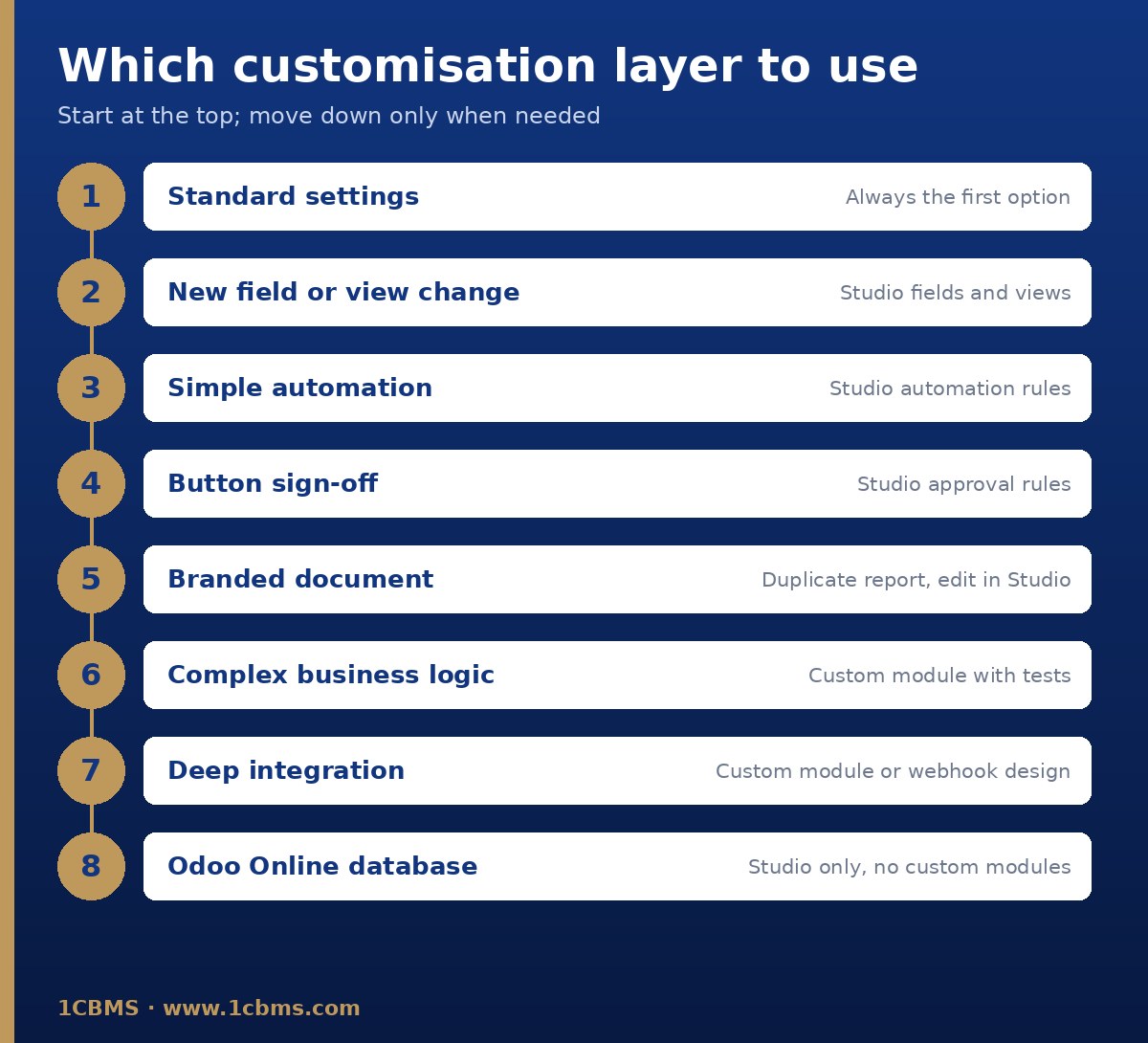
A good rule is to work in layers: configuration first, then Studio, then a custom module only when the first two cannot meet the need cleanly. Always try changes in a test database first.
Check configuration first
Review the Settings of each app involved. Many requests are already standard options, and the company document layout settings handle logos, colours and footers without touching report templates.
What fits Studio
- Extra fields on sales orders: Studio fields, added by drag and drop. Keep the x_studio_ prefix and choose technical names carefully, because they cannot be renamed in Studio later.
- Purchase approval: Studio approval rules on the confirm button, with approvers defined as users or groups and an optional filter for large amounts.
- Invoice layout: duplicate the standard report and edit the copy in Studio. Odoo warns that editing report XML directly may cause issues during upgrades.
What usually needs a custom module
The warehouse system sync is an integration with error handling and retries, so it is usually better built as a custom module with tests. Studio webhooks exist, but Odoo recommends involving a developer because a poorly configured webhook may disrupt the database.
Note that Odoo Online does not accept custom modules, so this choice may require Odoo.sh or an on-premise installation.
Upgrade impact
According to Odoo's upgrade documentation, Studio customisations are covered by the upgrade services while Studio is installed and its subscription is active. Custom modules must be made compatible with the new version by their maintainer before the database can be upgraded.
Keep a register of every customisation with its owner and reason, and include all of them in the test plan for each upgrade.